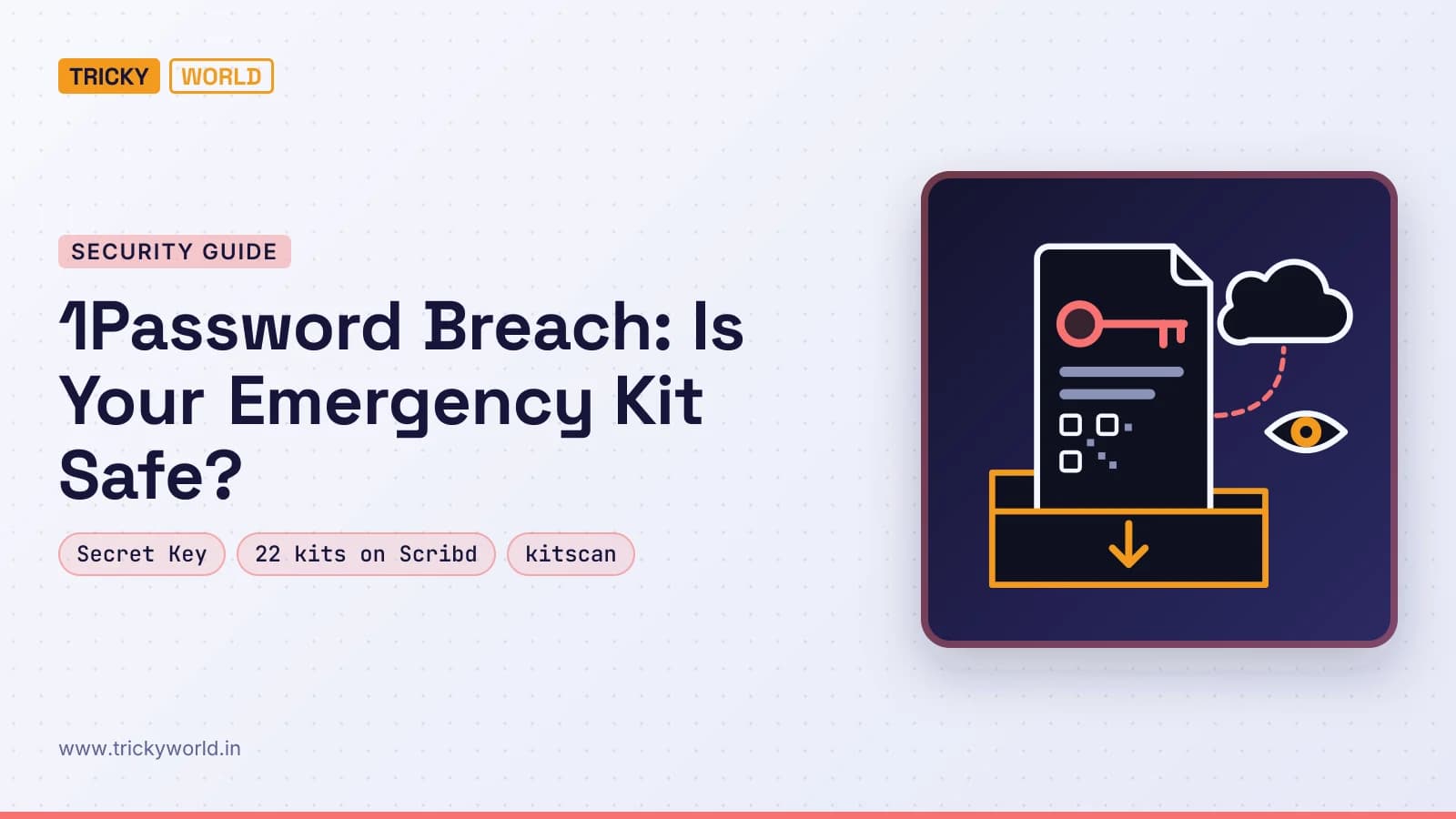
1Password Breach: Is Your Emergency Kit Safe?
An attacker used an employee's GitHub account to push code to 1Password's backend and copy account records, including names, email addresses and SRP protocol parameters, for some customers; no vault was accessed. 1Password says that data is useless without each user's Secret Key, but the Emergency Kit PDF holds the key three times and often sits in Downloads or the cloud. Keep one printed kit, delete digital copies and regenerate the Secret Key if a copy was ever online.

Affected systems and impact
| Flaw | Affected systems | Impact |
|---|---|---|
| 1Password backendAn employee's corporate GitHub account was used to push malicious code to backend services | Account records for a subset of customers | Names, email addresses, account IDs, sign-in times, public keys and SRP protocol parameters downloaded; vaults not accessed |
| Emailed invitation and recovery linksTokens from emailed links for invitations, provisioning and account recovery were copied | The small number of users with such links pending, who were notified | A token works only with an SSO sign-in or an emailed code, now ten letters and digits instead of six digits |
| Emailed invitation and recovery linksTokens from emailed links for invitations, provisioning and account recovery were copied | The small number of users with such links pending, who were notified | A token works only with an SSO sign-in or an emailed code, now ten letters and digits instead of six digits |
| Source code and CI/CDSource code copied from private repositories and the CI/CD system reached | Infrastructure secrets held in CI/CD | 1Password says it has rotated every credential that may have been exposed |
A day after the 1Password breach became public, a search of the document site Scribd turned up at least 22 uploads named as 1Password Emergency Kits. The kit is the one-page PDF holding a user's Secret Key, the second secret 1Password says makes stolen server data useless. Twelve of the names even include an account ID. TrickyWorld didn't open any of them, and neither should you.
The company says an attacker used an employee's GitHub account to push code to its backend and copy account records for a subset of customers. No vault was touched, it says, and nothing on its servers can be used to test a password guess without the Secret Key. That defence holds only while the Secret Key stays secret. 1Password's own help pages point to two places where copies of it collect: the Downloads folder and personal cloud storage.
This guide covers what the 1Password breach exposed, what the company hasn't said, and why the Emergency Kit decides whether any of it matters to you. It ends with the steps to find stray copies with a free, read-only scanner, replace your Secret Key and spot breach-themed phishing.
What happened in the 1Password breach?
An attacker took over a 1Password employee's corporate GitHub account, used it to push malicious code to backend services, and downloaded account records for a subset of customers, the company disclosed on 25 November.
1Password began investigating on 19 November. Its incident report says the attacker also copied source code from private repositories and reached its CI/CD system, the machinery that builds and ships software. That system holds infrastructure secrets, and 1Password says it has rotated every credential that may have been exposed. The downloaded records hold:
Names and the email addresses customers use to sign in.
Account and user IDs, and when each account was created and last signed in.
Public keys, which 1Password says are public by design.
Secure Remote Password (SRP) protocol parameters, which it says "cannot be used to access your account".
Tokens from emailed links for invitations, provisioning and account recovery.
Other non-secret metadata, such as internal version and file numbers.
The tokens are the most direct risk. Each one completes an invitation or a recovery only together with an SSO sign-in or a code emailed to the user. 1Password notified the small number of users with such links pending and lengthened the code from six digits to ten letters and digits. It says it has found no evidence of account takeovers using the exposed tokens.
Vaults, the keys that protect them, account recovery keys, and the apps and browser extensions weren't affected, according to 1Password. It says customers don't need to change anything in their accounts.
What hasn't 1Password said yet?
It hasn't said how many customers are affected, when the attacker got in, how the GitHub account was taken over, or whether the stolen SRP parameters include the one sensitive value in its sign-in system.
The post about the 1Password breach names no attacker and gives no count. One more gap matters to anyone who signs in through a browser. The post lists 1Password's apps and browser extensions as unaffected, but doesn't mention the web app at 1Password.com, which loads its code from 1Password's servers. The company's own security white paper names that as a risk: "An attacker capable of changing the web client on the server could deliver a malicious client to the user." The post's broader statement that vault contents were never "accessed by, or available to" the attacker would rule that out, but it doesn't address the web app by name.
Why can't the stolen data open a vault?
Because 1Password mixes your account password with a 128-bit Secret Key that it never receives, so nothing on its servers is enough to check whether a password guess is right.
The scheme is called two-secret key derivation. Your password goes through 650,000 rounds of PBKDF2-HMAC-SHA256, and the result is combined with a value derived from your Secret Key. That key is 34 characters long: "A3", a six-character account ID, and 26 random characters, which allow slightly more than 2128 combinations. 1Password's Secret Key page calls it infeasible to guess "no matter how much money or computing power an attacker has available".
Signing in works the same way. The server stores an SRP verifier, a number derived from both secrets that lets it check you without ever seeing them. The white paper says the verifier is "similar to a password hash in that it can be used in password cracking attempts". It adds that two-secret key derivation "makes it impossible to launch such a cracking attack without also having the user's Secret Key".
1Password has long been open about where that leaves you. In 2021, its Jeffrey Goldberg wrote that the Secret Key protects you "if data is stolen from us, but if data is stolen from your own system, we have to assume the attacker gets the Secret Key with it".
Did the attacker get the SRP verifier?
1Password hasn't said: its post lists "Secure Remote Password protocol parameters" among the stolen data without saying whether the verifier, the only sensitive value in that setup, was one of them.
The white paper keeps the two apart. When an account is created, the device sends the server the verifier "along with a non-secret salt", and both sides "also need to agree on some other non-secret parameters". It calls the verifier "the only sensitive information ever transmitted". Read that way, the stolen parameters could be just the salt and other non-secret settings, which are useless on their own.
If the verifier was taken too, a cracking path exists, but only for someone who also holds your Secret Key. Either way, 1Password says the parameters can't be used to access an account, and SRP never sends the password itself. Until 1Password says which it is, assume the worse case and look hard at where your Secret Key is written down.
Where is your Secret Key stored outside 1Password?
On each device where you've signed in, and in your Emergency Kit: a PDF that 1Password asks you to save when you create an account, and that usually lands in your Downloads folder.
1Password's help page on finding the Secret Key tells people who don't remember saving a kit to look in their Downloads folder for a PDF named "1Password Emergency Kit". Its Emergency Kit page recommends printing a copy and writing your account password on it. It also says: "Save it to your personal cloud storage, so you always have a digital copy available." The account security page says both: get the kit off your computer, onto a USB flash drive or paper, and save a copy to personal cloud storage.
Users of two-factor authentication are told to write down its 16-character backup secret and keep it with the kit. A printed kit kept with that secret is a full set of keys to the account. Copies on your devices are another matter. The 1Password apps keep the Secret Key, and 1Password says encrypted copies also sit in device backups and keychains. Those copies are encrypted. The PDF is not.
How many times does one kit hold the key?
The PDF holds the Secret Key three times: printed on the page, encoded in the Setup Code's QR image, and stored in the file's document properties, a place few people check.
TrickyWorld read the code that 1Password's web app uses to build the kit, a script it loads from app.1password.com. It draws the key in the Courier-Bold font and makes the QR code from a setup link of the form onepassword://team-account/add?email=…&key=…&server=…, with the full Secret Key after key=. It also saves that link as a document property named OnePasswordURL.
To see what that means on disk, TrickyWorld built a kit-shaped PDF with PDFKit 0.8.3, a release whose code for these parts matches the copy 1Password bundles, with the same settings and a fake key. The whole key sat in the file as plain, uncompressed text that any program can read without drawing the page. Blacking the key out on the page before you share or upload the file leaves two copies behind. A printed kit has none of these problems.
Who can read a kit in your Downloads folder?
Any malware that runs on your computer can, and info-stealing malware is built to sweep Downloads, Desktop and Documents for PDFs and other documents.
Jamf Threat Labs found in August 2026 that AmnesiaStealer, a macOS stealer, sweeps those three folders for files with extensions including pdf, txt and csv, according to its analysis. Kaspersky reported in December 2025 that AMOS, a common stealer, takes TXT, PDF and DOCX files from the same three folders and sends them to the attackers' server. A kit in Downloads goes with them. The same tools take saved browser passwords and sessions, as the fake GTA 6 downloads showed this month.
Cloud storage moves the question to another account. A kit in Dropbox, Google Drive, OneDrive or iCloud is as safe as that account, its sharing links, the apps connected to it and its deleted-files history. With the Secret Key in hand, the remaining barriers are your account password and, if you use it, two-factor authentication.
How many Emergency Kits are already public?
At least 22 kits on Scribd alone: that is how many documents named as 1Password Emergency Kits a search of the site returned on 26 November.
Twelve of the names include an account ID, the six characters after "A3-" at the start of every Secret Key, and seven of those also carry a team's sign-in name. That matches how 1Password's web app names the file for family and team accounts: "1Password Emergency Kit", the ID, then the sign-in name. Individual accounts get the plain name.
TrickyWorld didn't open the documents and isn't linking to them, so it can't say how many hold a working key. Search previews for some of them show what looks like a full Secret Key next to an email address. None of these uploads has anything to do with the 1Password breach, which took no Secret Keys. They show how kits leak by other routes. An uploaded kit gives a stranger everything except the password and any second factor. If one of them is yours, regenerate your Secret Key first, then ask the site to remove the file, because removal doesn't undo a copy someone has already saved.
What would cracking a password cost if your key leaked?
About $3,840 to $5,120 on average for a typical memorised password, by 1Password's own estimates, and only if an attacker held both the verifier and your Secret Key.
The white paper puts 232 guesses, about 4.3 billion, at "between 30 and ~40 US dollars" for an attacker working at scale against 650,000 PBKDF2 rounds. 1Password says a memorised password has "about 40 bits of entropy on average", and an attacker needs to try half of the possibilities on average. Put together, those figures give these averages:
A 40-bit memorised password: about $3,840 to $5,120.
Three random words from 1Password's generator (42.45 bits): about $21,000 to $28,000.
Four random words (56.6 bits): about $380 million to $510 million.
Older accounts are cheaper to attack. 1Password raised the iteration count for new accounts in January 2023, and accounts created before 27 January 2023 keep a lower count until the owner changes the password or regenerates the Secret Key. In 2021, at 100,000 iterations, 1Password put a 40-bit password at about $770 of effort. Every one of these numbers needs the Secret Key first. For what makes a password hard to guess in the first place, see this guide to strong passwords.
How do you find Emergency Kits on your computer?
Search Downloads, Desktop, Documents, the Trash and every cloud-synced folder for kit PDFs and for text shaped like a Secret Key; TrickyWorld's free, read-only scanner, kitscan, does both and masks what it finds.
git clone https://github.com/vishal1610kamal/trickyworld_emergency_kit_scan.git
cd trickyworld_emergency_kit_scan
python3 -m kitscan
It needs Python 3.10 or newer and nothing else, and it writes and sends nothing. For each PDF, it reads the document properties and the page text. It also searches text files, Word and Excel files, saved emails and zip archives, and recognises the kit's default name in every language 1Password's web app offers.
Cloud folders get special care. Files a service keeps online only are checked by name, because opening one would download it, and the --include-online-only option reads them anyway. Each key is shown as A3 plus the account ID, the eight characters 1Password says "are known to us", with a fingerprint for spotting copies of the same key:
[3] ~/Dropbox/Backups/1Password Emergency Kit.pdf
    where: Dropbox (synced to the cloud)
    why:   named like an Emergency Kit; Secret Key in the PDF's document properties; Secret Key on the page; Setup Code link with the Secret Key
    key:   A3-EXAMPL-******-*****-*****-*****-*****  (fingerprint b313a731ab, same key as [1])
The scanner passes 62 offline tests on Python 3.10 to 3.13, plus a test against a PDF made by PDFKit 0.8.3. On a real home folder it read 606 files in about 12 seconds. It can't read photos or scans of a kit, the QR image, or copies on other devices and in online accounts. The code and test results are on GitHub.
How do you issue a new Secret Key?
Sign in on 1Password.com, select your name and Manage Account, choose Regenerate Secret Key, enter your account password and save the new Emergency Kit; each signed-in device then asks for the new key and your password.
Sign in to your account on 1Password.com in a browser.
Select your name in the top right, then Manage Account.
Select Regenerate Secret Key, enter your account password and confirm.
Download the new Emergency Kit, print it, and delete the file once the printout is safe.
If a copy of the old kit carried your password, or your account was created before 27 January 2023, select Change Password too.
The steps are on 1Password's lost-device page. When both secrets may be known, its guide for unrecognised devices says to regenerate the Secret Key first, then change the password, and keep one of the two new kits. Either change also moves an older account to the current iteration count.
Then delete the old copies, including the cloud service's deleted files and version history and any kit you emailed to yourself, and empty the Trash. Finally, turn on two-factor authentication under Manage Account, More Actions, Manage Two-Factor Authentication. With it, a second factor is needed to sign in on a new device, so a stolen kit and password aren't enough on their own. Keep the authenticator's backup secret on paper only.
Business admins can stop members from saving kits at all. On 1Password.com the setting sits under Policies, then Manage on the Authentication policy, where "Provide the Emergency Kit for all team members" can be turned off, according to 1Password's admin guide. People who unlock with SSO never get a kit.
How do you spot breach-themed phishing?
Treat every unexpected message about the breach, an invitation or an account recovery as suspect, because the attacker now holds names, email addresses and sign-in dates that make a fake look genuine.
Expect phishing that leans on the 1Password breach. The company says it will never contact you to ask for your account password or Secret Key, and its security guide says it never contacts users about their account by SMS. Its advice is to enter both secrets only in the app or on its website, after opening the app or typing the address yourself. These are the warning signs to look for:
A message that knows when you created your account or last signed in, details the stolen records hold.
An invitation to a team or family you don't recognise, or a recovery you didn't start.
A request to verify your Secret Key, account password or authenticator code.
A link to anything other than 1password.com, 1password.ca, 1password.eu or your team's own sign-in address.
A phone call from "1Password support" asking for any of the above.
The browser extension helps with ordinary logins. 1Password doesn't autofill a saved login on a page whose address doesn't match, and in a rollout that began in January 2026 it added a warning before you paste one there. Your account password and Secret Key are typed, not filled, so for those the address bar is the check. Some attacks skip passwords entirely, as device-code phishing shows.
How does this compare with LastPass and Bitwarden?
LastPass lost encrypted vaults that only master passwords protected; 1Password lost account records and has a second secret; Bitwarden also relies on the master password alone, and its 2026 scare was a poisoned npm release.
LastPass's 2022 attacker used information from an August break-in to its development environment to copy customer vault backups later that year. In its December 2022 notice, LastPass said guessing a master password protected by its default settings "would take millions of years". In March 2025, a US government forfeiture complaint said agents believe a theft of XRP worth more than $149 million came from those breaches. It doesn't name LastPass, but describes an online password manager breached in August and November 2022.
The 1Password breach shares that first step: source code copied and internal systems reached. 1Password says it has already rotated every credential that may have been exposed in CI/CD. What differs is the prize. The stolen records hold no vault data, and even stolen vaults would need each user's Secret Key.
Bitwarden derives its encryption key from the master password alone, salted with your username, using PBKDF2-SHA256 with 600,000 iterations by default or Argon2id, its documentation says. Version 2026.2.1 raised the minimum to 600,000, about six times LastPass's 2022 default. A stolen Bitwarden vault would face only the master password, as LastPass's did.
Its 2026 incident hit delivery, not encryption. For about 90 minutes on 22 April, the npm package of Bitwarden's command-line tool, @bitwarden/cli 2026.4.0, carried malicious code, Bitwarden said, in connection with a wider supply-chain incident at Checkmarx. JFrog's analysis shows it was built to steal GitHub and npm tokens, SSH keys and cloud secrets. It is tracked as CVE-2026-42994, and version 2026.4.1 replaced it.
Whether attackers got into Bitwarden's build pipeline is not established. Bitwarden hasn't said how the release was published, and JFrog's analysis suggests the malicious layer was added on top of an older release rather than built through the normal pipeline. Bitwarden says it found no evidence that vault data or production systems were affected, and only people who installed that version from npm in the window were.
Each design moves the weak point somewhere. For LastPass and Bitwarden, it is the master password. For 1Password, it is every place your Secret Key is written down. Software delivery is a weak point they all share, as the Optimizely supply-chain attack showed this month.
What should you do after the 1Password breach?
Find and delete stray digital kits, keep one printed copy, regenerate your Secret Key if a copy was ever online or shared, and treat messages about the breach as possible phishing.
Run kitscan, or search Downloads, Desktop, Documents and your cloud drives for "Emergency Kit" yourself.
Keep one printed kit with your passport or other papers, and write the password on paper only.
Delete the digital copies, then empty the Trash and the cloud service's deleted files.
Regenerate the Secret Key if a copy was in the cloud, in email, shared, or on a computer that may have had malware.
Change the password too if it was on a digital copy, is used anywhere else, or your account predates 27 January 2023.
Turn on two-factor authentication.
Reach 1Password by typing its address, never through a link in a message about the breach.
On 1Password's account, its design held: the attacker reached its servers and still couldn't open a vault. What remains is an ordinary weak point, a PDF in a Downloads folder, and fixing that one is up to you.
Frequently asked questions
Should I stop using 1Password after this breach?
That is a judgement about trust, not a technical requirement. On 1Password's account, no vault data was taken and the records that were can't open an account. Moving to another manager trades this weak point for another: Bitwarden and LastPass vaults rest on the master password alone if their encrypted data is stolen.
Does the leaked public key put my vault at risk from quantum computers?
Not on its own. A public key reveals nothing about your vault today. A future quantum computer might work out an RSA private key from its public key, but an attacker would still need the encrypted vault keys and vault data, which 1Password says weren't taken.
Can I keep my Emergency Kit inside 1Password?
It won't help in the situation the kit exists for: if you can't sign in, you can't open the vault that holds it. 1Password suggests a printed copy kept with your passport or birth certificate, or a copy given to someone you trust.
Is an encrypted USB drive a safe place for the kit?
It's safer than a synced folder, and 1Password's own account security page suggests a USB flash drive. Encrypt the drive, keep it unplugged and away from the computer you use every day, and remember that its password is now part of your recovery plan.

About the author
Vishal · Software & security engineerVishal writes Trickyworld's tutorials and interview-preparation guides on programming, databases, cyber security and AI. Vishal has been shipping production software long enough to have firm opinions about Python, PHP, Node.js, and JavaScript, and to have been wrong about each of them at least once. The work has run the whole stack: Drupal and Laravel applications, React front ends, MySQL and MongoDB underneath, Redis and Memcached for the things that had to be fast, Apache Solr for the things that had to be findable. That last part turned out to matter more than anyone expected. Tune a Solr index for a season, then watch a language model confidently retrieve the wrong document, and you recognise an old problem wearing new clothes. Most of what is hard about AI systems is not the model. It is retrieval, caching, latency budgets, and deciding what the system does when the answer comes back wrong — which is work he has been doing since well before anyone called it AI engineering. He plays a lot of games, which is less a hobby disclosure than an admission of where a good share of his engineering instinct came from. Real-time systems with a frame budget. State that has to stay coherent while a player does something no designer anticipated. The permanent question of what happens when the frame cannot finish in time. Those habits carry over more directly than they have any right to. He has written several books on programming, all built on the same conviction: most technical writing is unclear because the author never decided what to leave out. More from Vishal → · Editorial policy