CVE-2026-124194: Outlook file leaks NTLMv2 hash
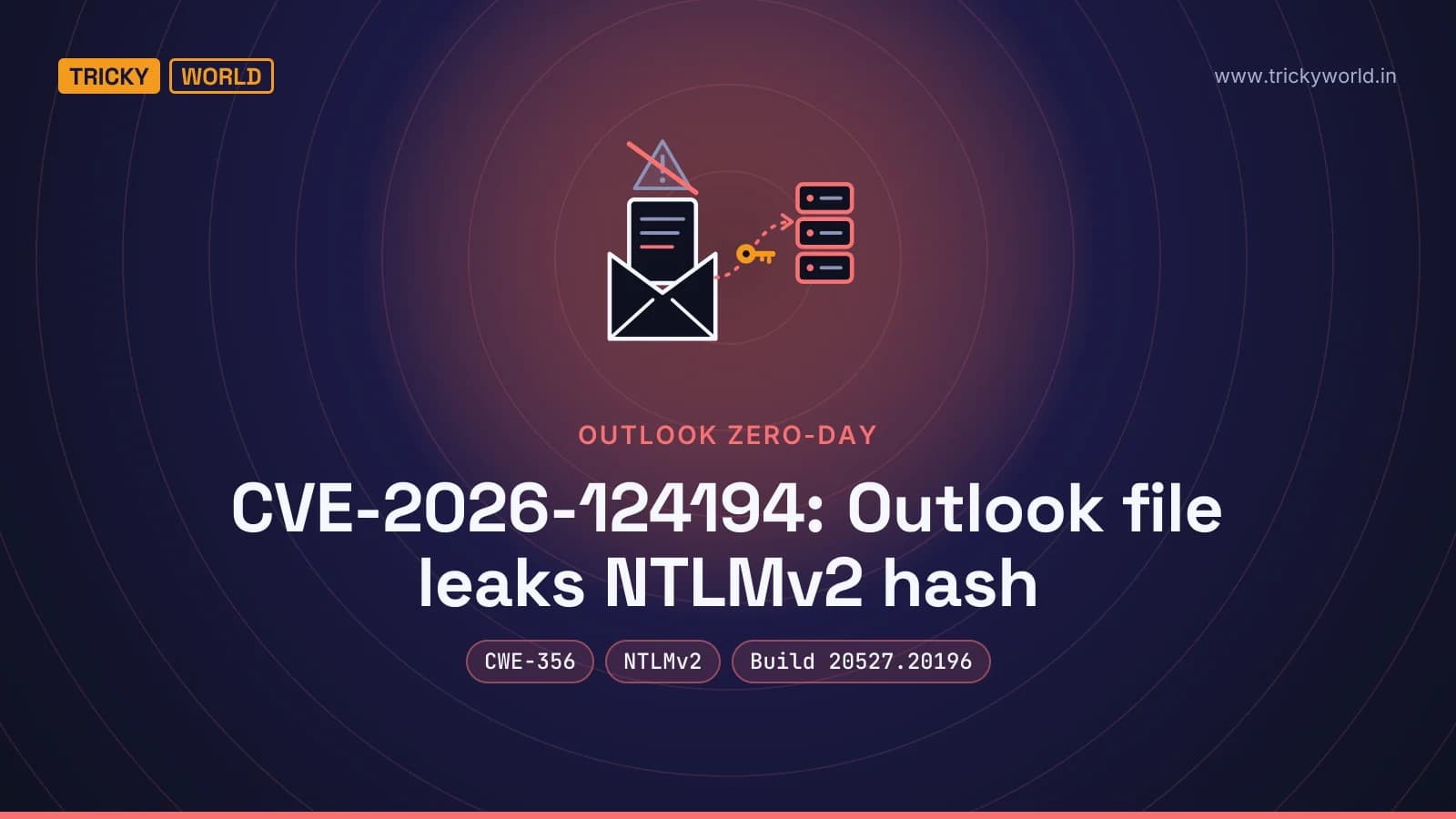
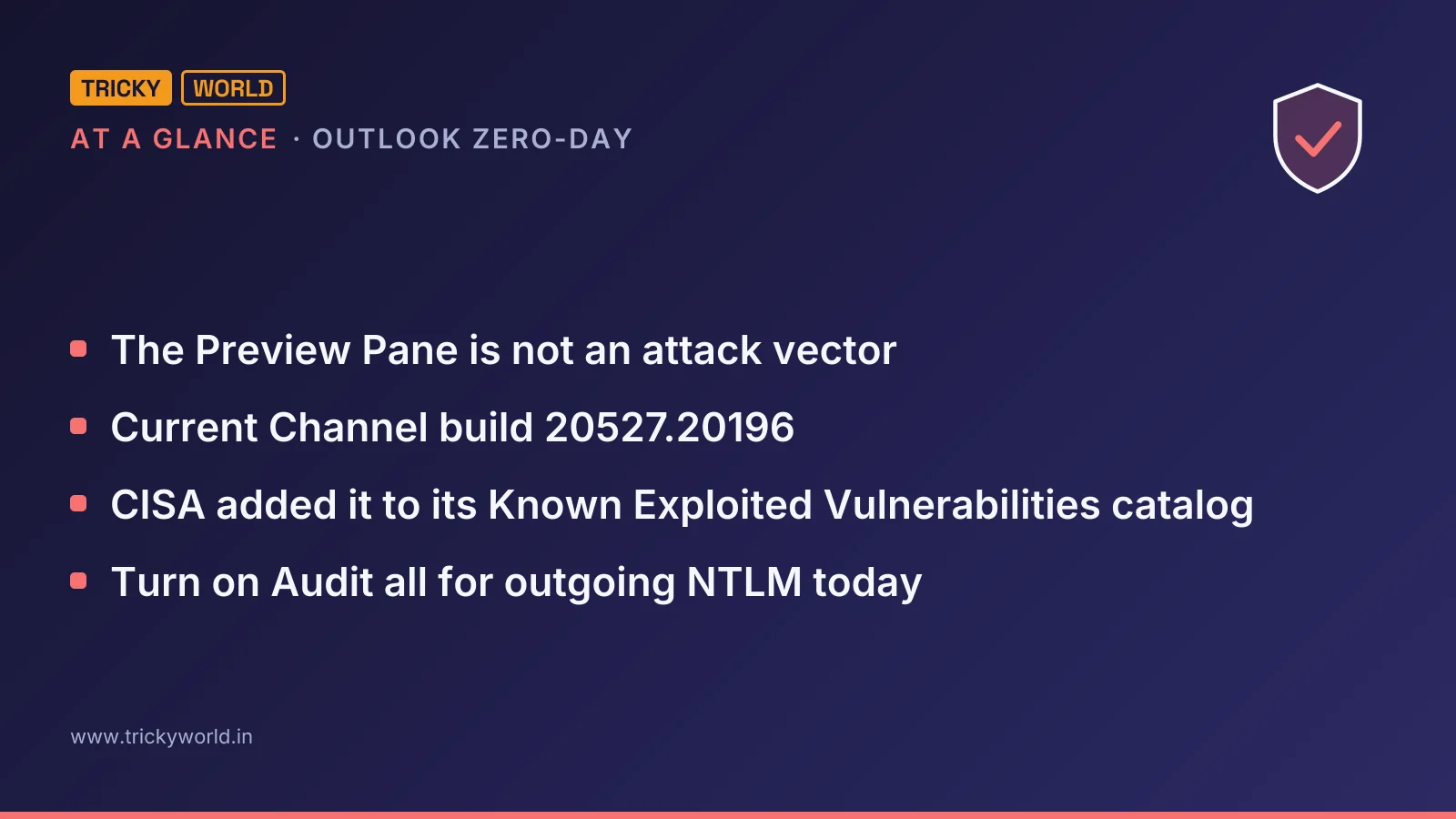
CVE-2026-124194 is an exploited Outlook spoofing flaw: opening a crafted message file makes Outlook connect to an attacker-controlled network location without the usual external-content warning, disclosing the user's NTLMv2 hash. It affects Microsoft 365 Apps for Enterprise and Office LTSC 2021 and 2024, and the 10 November 2026 updates fix it, including Current Channel build 20527.20196 and Office LTSC 2024 build 17932.21140. The Preview Pane is not an attack vector.

At a glanceCVE-2026-124194
CVE-2026-124194 has a CVSS 3.1 base score of 6.5 (Medium) from Microsoft. No fixed version has been published yet.
| Severity | 6.5 Medium (CVSS 3.1, Microsoft) |
|---|---|
| Fixed in | No fixed version published yet |
| Affected | Microsoft 365 apps all versions |
| Exploited | Yes: in CISA's Known Exploited Vulnerabilities catalog since November 10, 2026 |
| Public exploit | 1 GitHub repository names it: proofs of concept, scanners, detections. Unverified: some are fake or malicious. |
| Vector | CVSS:3.1/AV:N/AC:L/PR:N/UI:R/S:U/C:H/I:N/A:N |
| Weakness | CWE-356 |
| Ubuntu | Not tracked yet |
| Debian | Listed, no packages yet |
| Red Hat | Not tracked yet |
| Also in | Microsoft office 2021, Microsoft office 2024 |
Is there a public exploit for CVE-2026-124194?
Yes: CVE-2026-124194 is exploited in the wild. CISA added it to its Known Exploited Vulnerabilities catalog on November 10, 2026. 1 public GitHub repository names it: proofs of concept, scanners and detections. None of it is verified: some such repositories are fake or carry malware, so read the code before running it, and only against systems you own.
Opening one crafted message file in Outlook can hand an attacker the user's NTLMv2 hash, and attackers were using it before Microsoft shipped a fix. CVE-2026-124194 makes Outlook connect to an attacker-controlled server without its usual external-content warning, and the hash leaks with that connection. The 10 November 2026 updates fix it: Current Channel build 20527.20196, Office LTSC 2024 build 17932.21140 and Office LTSC 2021 build 14334.21048.
Microsoft's advisory for CVE-2026-124194 marks it as exploited and not publicly disclosed, the only exploited flaw in November's release. CISA added it to its Known Exploited Vulnerabilities catalog the same day, with a due date of 24 November 2026. It hits Microsoft 365 Apps for Enterprise and Office LTSC 2021 and 2024. If your company runs desktop Outlook from either, it is in scope.
Check your Outlook build for CVE-2026-124194
On one machine, Microsoft's guide to update channels shows where to look: open an Office app such as Word, go to File > Account, and read the version and build under About. Across a fleet, Click-to-Run installs record the same value in the registry, as Office 365 for IT Pros documents:
Get-ItemPropertyValue -Path "HKLM:\SOFTWARE\Microsoft\Office\ClickToRun\Configuration" -Name "VersionToReport"It returns a value such as 16.0.20527.20196. Compare the last two numbers with the build for your channel.
Microsoft's security release notes for 10 November 2026 list CVE-2026-124194 under Outlook, with these builds. A machine on a listed version needs that build or later.
Channel or edition | Version | Fixed build |
|---|---|---|
Current Channel | 2610 | 20527.20196 |
Monthly Enterprise Channel | 2610 / 2609 / 2608 | 20527.20194 / 20430.20264 / 20326.20320 |
Semi-Annual Enterprise Channel | 2610 / 2609 / 2608 | 20527.20192 / 20430.20262 / 20326.20318 |
Office 2024 and 2021 Retail | 2610 | 20527.20196 |
Office LTSC 2024 Volume Licensed | 2408 | 17932.21140 |
Office LTSC 2021 Volume Licensed | 2108 | 14334.21048 |
A machine on an older version than any in the table hasn't received November's updates at all. Update it first, then check again.
How opening one Outlook file leaks an NTLMv2 hash
The attack starts with a file. Microsoft's FAQ says an unauthenticated attacker "could send a specially crafted message file and convince a user to open it in an affected version of Microsoft Outlook." Opening it makes Outlook connect to a network location the attacker controls, and it does so "without displaying the usual external-content warning."
That missing warning is the bug. NVD's record files it under CWE-356, a product interface that doesn't warn users about unsafe actions. The warning is what normally gives a user the chance to refuse the connection.
The connection is where the damage happens. Microsoft's FAQ is direct about it: "This vulnerability discloses a user's NTLMv2 hash to the attacker who could use this to authenticate as the user." That last step is the spoofing in the bug's name: with the hash, an attacker can pass as the user.
“It's labeled spoofing, but the impact is bigger than the name suggests.”
— Dustin Childs, Zero Day Initiative's November 2026 review
An attacker can use a captured hash in two ways. Rapid7's analysis notes that the hash can be relayed live to another service that accepts NTLM, or cracked offline to recover the password. How fast cracking works depends on how strong the password is.
Two details narrow the attack. The Preview Pane is not an attack vector, Microsoft says, so the user has to open the file; previewing the message isn't enough. None of the advisories or analyses names the protocol Outlook uses for the connection, so we don't guess one here.
Stealing NTLM hashes through a phishing attachment isn't new. We covered the same goal in TA577's phishing campaign that targeted NTLM hashes, where blocking outbound SMB and restricting NTLM were the defences.
Who is exploiting CVE-2026-124194?
Nobody has said. Microsoft's advisory sets "Exploited: Yes" and "Publicly Disclosed: No", and CISA's catalog lists ransomware use as unknown. None of the Patch Tuesday analyses names an attacker, a campaign or a target.
The credit line is unusual. Microsoft acknowledges two reporters: one listed as "Benoît Sevens using Claude with Anthropic", and one listed as "nono". I read an exploited zero-day credited partly to work with an AI model as a sign of where vulnerability research is heading, a trend we followed in OpenAI's report of 948 working Linux proofs of concept in 30 hours.
The CVSS score undersells the urgency. Microsoft scores CVE-2026-124194 6.5 and rates it Moderate; the attack needs a user to open a file. Exploitation is already happening, though, so I'd patch it ahead of most of the month's Critical fixes.
Block NTLM leaks while the update rolls out
Updating Outlook closes this hole. Neither Microsoft nor the Patch Tuesday analyses list a workaround for this CVE, and Microsoft's advisory marks customer action as required. While the update reaches every machine, two controls limit what a leaked hash can do.
First, stop Windows from sending NTLM to servers you don't know. The Group Policy setting is documented in Microsoft's page on restricting outgoing NTLM traffic:
Computer Configuration\Windows Settings\Security Settings\Local Policies\Security Options
  Network security: Restrict NTLM: Outgoing NTLM traffic to remote servers
Microsoft's own advice is to start with Audit all and read the log before you block anything.
Set the policy to Audit all. Each NTLM request to a remote server is then logged under Applications and Services Log\Microsoft\Windows\NTLM.
Review that log, and list the servers that legitimately need NTLM in the companion policy, "Network security: Restrict NTLM: Add remote server exceptions for NTLM authentication".
Switch the policy to Deny all. Machines then can't authenticate with NTLM to any remote server outside the exception list.
The audit log doubles as detection. I'd investigate any outgoing NTLM to a server outside your network, especially from a machine that has just opened an attachment.
Second, make relayed hashes useless where you can. Rapid7 lists SMB signing, LDAP signing and Extended Protection for Authentication on Exchange and AD CS as the defences against NTLM relay.
What the Outlook update doesn't fix
The update stops new leaks. It does nothing about a hash that has already left the network. If a user opened an unexpected message file before their machine was patched, I'd treat that account's password as exposed and reset it.
The advisory's product list is also narrow. Microsoft names Microsoft 365 Apps for Enterprise and Office LTSC 2021 and 2024, in 32-bit and 64-bit editions. It says nothing either way about older Office versions, so their absence from the list isn't proof they're safe.
Finally, the external-content warning is only as good as the user reading it. Even with the bug fixed, the NTLM restriction above is the control that doesn't rely on someone clicking the right button.
What to do this week
Run the version check across your fleet and list every machine below the build for its channel.
Push November's Office update to those machines first, starting with people who handle outside email.
Turn on Audit all for outgoing NTLM today; the audit mode blocks nothing.
Reset the passwords of anyone who opened a suspicious message file before patching.
CISA's due date is 24 November 2026. For everyone else, the useful deadline is the next phishing email that reaches an unpatched Outlook.
Frequently asked questions
Is Office 2019 or Office 2016 affected by CVE-2026-124194?
Microsoft's advisory doesn't say. It lists six products: Microsoft 365 Apps for Enterprise, Office LTSC 2021 and Office LTSC 2024, each in 32-bit and 64-bit editions. Office 2019 Volume Licensed did receive a build in the same 10 November release, version 1808 (build 10417.20236), but the advisory doesn't list Office 2019 for this CVE.
How does CISA rate CVE-2026-124194?
The CISA assessment on NVD's record marks exploitation as active, automatable as no and technical impact as partial. The only CVSS score on the record is Microsoft's 6.5, with the vector CVSS:3.1/AV:N/AC:L/PR:N/UI:R/S:U/C:H/I:N/A:N.
What does CISA's catalog entry ask organisations to do?
It asks them to apply Microsoft's mitigations by 24 November 2026, following CISA's BOD 26-04 guidance, or to stop using the product if no mitigation is available. CISA added the entry on 10 November 2026, the day Microsoft published its fix.
Does the outgoing NTLM policy need a restart?
No. Microsoft's page for "Network security: Restrict NTLM: Outgoing NTLM traffic to remote servers" says no restart is needed, and that a Group Policy setting takes precedence over the same setting made locally.
Sources
Primary sources
- Release notesStable Channel Update for Desktop · chromereleases.googleblog.com
- AdvisorySecurity Advisories · sec.cloudapps.cisco.com
- Write-upEnterprise Email Security Assessment · adaptivesecurity.com
- CVE recordNVD and distribution data for CVE-2026-124194 (checked 2026-11-11) · nvd.nist.gov
Reports of the story
- News reportMicrosoft Fixes Nearly 1,100 Security Vulnerabilities · krebsonsecurity.com
- News reportMicrosoft November 2026 Patch Tuesday fixes 1,235 flaws, Outlook zero-day · bleepingcomputer.com
How this article was made: drafted with AI from the sources above and fact-checked against them, then reviewed by Vishal on . How we write and check articles.

About the author
Vishal · Software & security engineerVishal writes Trickyworld's tutorials and interview-preparation guides on programming, databases, cyber security and AI. Vishal has been shipping production software long enough to have firm opinions about Python, PHP, Node.js, and JavaScript, and to have been wrong about each of them at least once. The work has run the whole stack: Drupal and Laravel applications, React front ends, MySQL and MongoDB underneath, Redis and Memcached for the things that had to be fast, Apache Solr for the things that had to be findable. That last part turned out to matter more than anyone expected. Tune a Solr index for a season, then watch a language model confidently retrieve the wrong document, and you recognise an old problem wearing new clothes. Most of what is hard about AI systems is not the model. It is retrieval, caching, latency budgets, and deciding what the system does when the answer comes back wrong — which is work he has been doing since well before anyone called it AI engineering. He plays a lot of games, which is less a hobby disclosure than an admission of where a good share of his engineering instinct came from. Real-time systems with a frame budget. State that has to stay coherent while a player does something no designer anticipated. The permanent question of what happens when the frame cannot finish in time. Those habits carry over more directly than they have any right to. He has written several books on programming, all built on the same conviction: most technical writing is unclear because the author never decided what to leave out. More from Vishal → · Editorial policy