Antigravity vs Cursor 2026: models, agents, cost
Google Antigravity 2.0 is a standalone agent app with a CLI and an older IDE, while Cursor 3 combines an Agents Window with a full editor. Antigravity's plans run from a free tier to $200 and include Gemini plus Claude Sonnet 5.5 and Opus 5.5 on paid plans; Cursor's include its own and Grok models and bill Claude, GPT and Gemini at API list price. Antigravity's default sandbox has no network access, and Cursor, owned by SpaceX since August 2026, lists 33 security advisories.

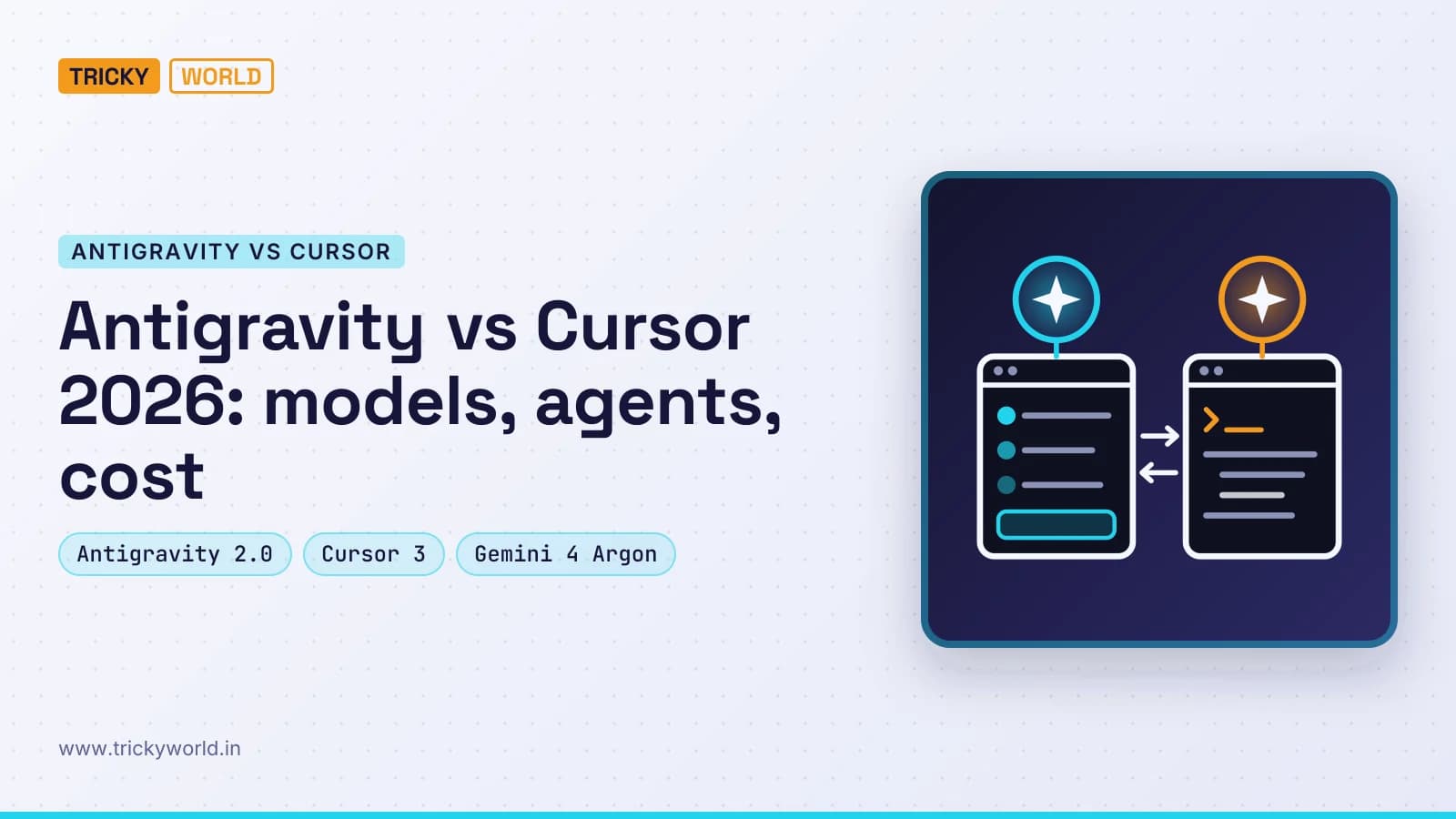
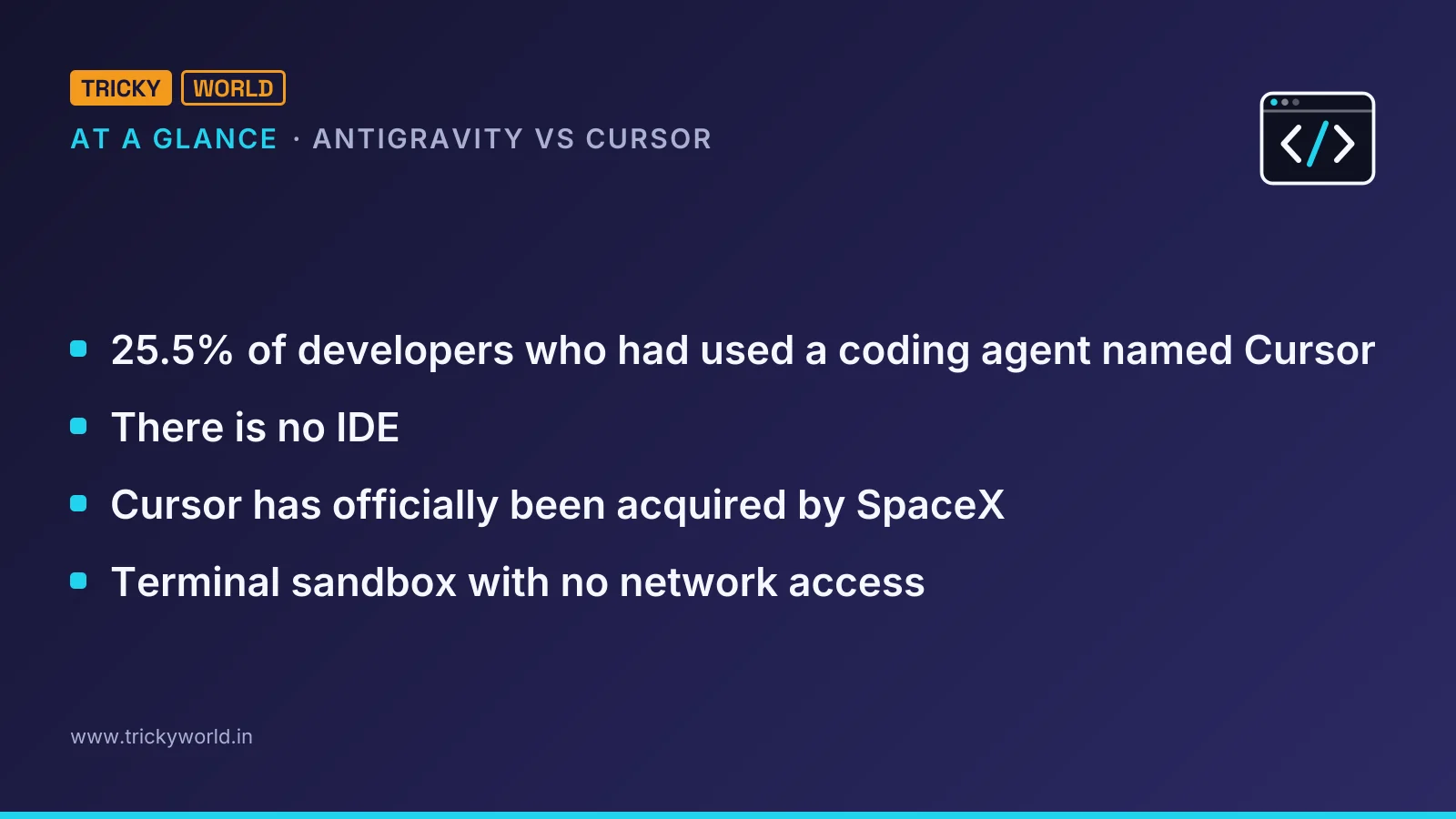
In Stack Overflow's 2026 Developer Survey, 25.5% of developers who had used a coding agent named Cursor, and 16.0% named Google Antigravity. Both now put agents first and the editor second. In Antigravity vs Cursor, the deciding difference is whose models you pay for: Google bundles Gemini and Claude into its plans, while Cursor bundles its own and Grok models and bills Claude, GPT and Gemini at API prices.
That difference shows up on the first invoice, not in a feature list. Both tools run several agents at once, hand work to the cloud, drive a browser and take voice commands. What separates them is who owns them, which models each plan includes, and how far each lets an agent act without asking. This comparison covers all three, from each company's own documentation, and ends with which one I'd pick for which job.
Antigravity vs Cursor at a glance
The survey's coding-agent question drew 12,255 answers. Claude Code led with 65.5% and GitHub Copilot followed at 58.7%, so neither of these two is the most used agent. They are the two leading agent-first editors, though, and they now look more alike than different. The table lines them up as of 11 November 2026.
Google Antigravity | Cursor | |
|---|---|---|
Owner | Google. | SpaceX, since 14 August 2026. |
Main surfaces | Antigravity desktop app (2.x), Antigravity CLI and the older Antigravity IDE. | Cursor 3 with its Agents Window, plus the classic IDE, web, mobile, Slack and GitHub. |
Models included in plans | Gemini models, plus Claude Sonnet 5.5 and Opus 5.5 on paid plans. | Cursor's own models and Grok. |
Other models | Only GPT-OSS-120b, due to be removed on 18 November 2026. | Claude, GPT, Gemini and others at API list price. |
Free tier | Yes, with a weekly limit. | Yes, with limited agent requests. |
Agents in the cloud | Remote Agents on paid Google AI Pro and Ultra. | Cloud agents from the $30 Premium plan up. |
Default safety net | Terminal sandbox with no network access. | Approval prompts, an allowlist or an auto-review classifier. |
How each one puts agents first
Google split Antigravity in two this year. At I/O on 19 May 2026 it launched Antigravity 2.0 as "a new, standalone desktop application", and the post is blunt about the editor: "There is no IDE." Conversations are grouped by project, agents can start their own subagents, and slash commands such as /goal, /schedule and /browser hand work to them.
The old Antigravity IDE still exists. Google says "millions of developers" adopted it, and it remains available for now. It also plans to remove the Agent Manager from the IDE in an upcoming release, so the agent work moves to the app and the CLI.
The pace since then has been fast. The Antigravity changelog shows version 2.29.0 on 3 November 2026 with voice mode, enabled by Gemini Live, and Remote Agents. Those run sessions in a Google-managed environment, so they keep working after you close the laptop. By version 2.30.0 on 9 November, Remote Agents had finished rolling out to Google AI Ultra subscribers and to Google AI Pro subscribers on a paid plan. Version 2.31.0 the same day added /swarm, which coordinates several subagents over a message board.
Cursor went agent-first without dropping the editor. Cursor 3, released on 2 April 2026, is "a unified workspace for building software with agents". Every local and cloud agent sits in one sidebar, including the ones started from mobile, web, Slack, GitHub or Linear. A session can move between your laptop and the cloud, a built-in browser tests local sites, and you can switch back to the classic Cursor IDE at any time.
That last point is the practical split. If you still want to read and edit code in a full editor next to the agents, Cursor keeps both in one product. My reading is that Google is steering Antigravity users towards an app where the agent is the interface and the code is something you review.
Antigravity vs Cursor on models and price
The plans look similar at the top and differ sharply in what the money buys. Google's May 2026 plan changes added a $100 Google AI Ultra plan with five times the Pro rate limits, and cut the top Ultra plan from $250 to $200 with twenty times. Cursor's pricing page sells five tiers, each with a usage pool that refreshes weekly.
Monthly price | Google Antigravity | Cursor |
|---|---|---|
$0 | Free individual tier with a weekly limit. | Free, with limited agent and chat requests. |
$8 | No plan at this price. | Plus, with Grok models only. |
$20 to $30 | Google AI Pro at $20, with limits refreshed every five hours up to a weekly cap. | Premium at $30, with four times Plus usage, cloud agents and AI code reviews. |
$100 | Google AI Ultra, five times the Pro limits. | Super, fifteen times Plus usage. |
$200 | Google AI Ultra, twenty times the Pro limits. | Ultra, fifty times Plus usage. |
The model lists explain the gap. Antigravity's model page offers Gemini 3.8 Flash on every tier and makes it the default for free users. Gemini 4 Argon comes with paid Pro, Gemini 4 Carbon only with Ultra and Enterprise, and Claude Sonnet 5.5 and Claude Opus 5.5 with paid, non-trial Pro and above. Google keeps non-Gemini models on a separate fixed limit, but they are inside the subscription.
Cursor's included pool covers its own models and Grok. Third-party models, Claude, GPT and Gemini among them, start at the $30 Premium plan and are billed at API list price on top. For a developer who mainly wants Claude, Antigravity's $20 plan includes it up to a fixed limit, while Cursor charges for every token of it. For one who is happy with Grok and Cursor's own models, the $8 and $30 plans need no extra charges.
One date to note: Antigravity's model page lists GPT-OSS-120b, Claude Sonnet 4.6 and Claude Opus 4.6 as "Will be removed on November 18, 2026". If a workflow depends on one of those, move it to a newer model first.
Who owns Cursor and Antigravity now
Cursor is no longer an independent startup. Its own post says "Cursor has officially been acquired by SpaceX", completing a process that began in April with a model-training partnership with SpaceXAI. The acquisition post of 14 August 2026 says Cursor will have "access to the largest fleet of GPUs in the world", and its pricing page says subscriptions are sold only through X Subscription Corp.
Antigravity is Google's, and its business route runs through Google Cloud's Gemini Enterprise Agent Platform. In my view, ownership explains each plan's shape. Antigravity puts Gemini in one shared pool and Claude on a separate fixed limit. Cursor includes its own and Grok models and bills the rest at API price. Either way, the owner's models are the cheapest to use.
Which one is safer to let agents run?
Antigravity's defaults are the stricter of the two. Its permissions page offers four presets: Request Review, Default, Auto and Turbo. Under Default and Auto, terminal commands run in a sandbox limited to the workspace and temporary folders, with no network access. Rules resolve as deny, then ask, then allow. Two settings deserve care:
Turbo turns the sandbox off and lets terminal commands run unrestricted.
For Remote Agents in the CLI, the default preset is
always-proceed (turbo), so a cloud session runs commands without asking unless you change it.
Cursor publishes its security fixes, and the list is long. Its GitHub security advisories carry 33 entries. CVE-2026-22708, fixed in 2.3, let shell built-ins run in Auto-Run allowlist mode without appearing in the allowlist, through environment variables poisoned by prompt injection. CVE-2026-26268, fixed in 2.5, let an injected agent write git hooks that later ran outside the sandbox. In June 2026 Cursor rated two more sandbox escapes Critical.
I read the long list partly as a sign of a large, heavily tested product. It still shows the pattern every agent IDE faces: text the agent reads can steer it, and each new tool is another way out. We saw that with a fake Claude Code extension posing as version 2.1.313, and with a file in a Downloads folder that tried to trick coding agents into installing malware. Whichever editor you choose, keep it updated and keep approvals on for anything that touches the network.
Where both still fall short
Neither tool removes the need to check its work, and developers know it. In the same survey, 48.0% said they trust AI output when they can easily verify it, and only 6.6% trust it for important work decisions.
Antigravity's gaps are about access. Remote Agents and voice mode don't reach business and enterprise accounts, and Gemini 4 Carbon needs Ultra. After 18 November, only Gemini and Claude models remain. The split between app, CLI and IDE also means tutorials written for the IDE's Agent Manager are going stale.
Cursor's gaps are about cost and control. The cheapest plan that includes third-party models is $30 before any API usage, and the Plus plan is limited to Grok. Its own advisories show how hard it is to fence in an agent that can run shell commands.
Longer agent runs make all of this worse, not better. Our piece on why coding agents need smaller tasks and more code review applies to both editors.
Which one I'd pick
I'd settle Antigravity vs Cursor by the model you want and the way your team ships, not by the feature list:
On a tight budget, or learning, start with Antigravity's free tier: Gemini 3.8 Flash costs nothing up to the weekly limit.
If Claude is your main model, Google AI Pro at $20 includes Claude Sonnet 5.5 and Opus 5.5, which Cursor bills at API price.
If your team lives in pull requests, Slack and Linear, Cursor 3 brings agents from all of them into one sidebar, with AI code reviews from the Premium plan.
If you want a full editor beside the agents, Cursor still is one, while Google is moving agent work out of its IDE.
Try both on the same small task before you pay for either: one bug fix in a real repository, with approvals left on. The plan you'd actually renew is the one whose included models solved it without extra charges.
Frequently asked questions
Does Cursor still sell the $20 Pro plan?
Not to new subscribers. Cursor's documentation calls Pro, Pro+, Ultra, Start and the Teams Standard and Premium seats legacy plans. They keep working as they are, with two monthly usage pools and on-demand usage, while new subscriptions use the Free, Plus, Premium, Super and Ultra tiers.
How much do Antigravity and Cursor cost for a team?
Google sells Antigravity to businesses through Google Cloud, with Standard and Plus plans starting at $30 per seat per month, or a pay-as-you-go plan with no seat fee and consumption-based pricing. Cursor's pricing page lists Teams from $30 per user per month, and Enterprise at a custom price.
Which Antigravity download should a developer install?
Google offers three: the Antigravity App, which it calls a command center for managing several local agents in parallel; the Antigravity CLI for the terminal; and the Antigravity IDE, which still includes the Agent Manager and artifacts. When existing IDE users upgrade, Google asks whether to keep the IDE, and recommends keeping it for developers.
Do both support MCP servers?
Yes. Antigravity adds them under Customizations, Installed, MCP Servers in the app, or with /mcp in the CLI, and stores them in ~/.gemini/config/mcp_config.json; remote servers must use the Streamable HTTP transport. Cursor reads .cursor/mcp.json in a project, or ~/.cursor/mcp.json for every project.

About the author
Vishal · Software & security engineerVishal writes Trickyworld's tutorials and interview-preparation guides on programming, databases, cyber security and AI. Vishal has been shipping production software long enough to have firm opinions about Python, PHP, Node.js, and JavaScript, and to have been wrong about each of them at least once. The work has run the whole stack: Drupal and Laravel applications, React front ends, MySQL and MongoDB underneath, Redis and Memcached for the things that had to be fast, Apache Solr for the things that had to be findable. That last part turned out to matter more than anyone expected. Tune a Solr index for a season, then watch a language model confidently retrieve the wrong document, and you recognise an old problem wearing new clothes. Most of what is hard about AI systems is not the model. It is retrieval, caching, latency budgets, and deciding what the system does when the answer comes back wrong — which is work he has been doing since well before anyone called it AI engineering. He plays a lot of games, which is less a hobby disclosure than an admission of where a good share of his engineering instinct came from. Real-time systems with a frame budget. State that has to stay coherent while a player does something no designer anticipated. The permanent question of what happens when the frame cannot finish in time. Those habits carry over more directly than they have any right to. He has written several books on programming, all built on the same conviction: most technical writing is unclear because the author never decided what to leave out. More from Vishal → · Editorial policy