
GitHub's suspicious-workflow hold caught every public Gheist run Wiz checked. It does nothing for private repositories or GitHub Enterprise Server. The campaign uses stolen tokens to plant ci-sync branches that dump secrets into Actions logs, downloads the logs, then deletes the runs. The checks below cover repository evidence, cloud activity, and credential recovery.
Teams storing deployment credentials in GitHub Actions secrets are the immediate concern. The Hacker News report describes successful attacks in private repositories and enterprise environments, with more than 13,500 planted branches recovered across more than 850 compromised accounts. Deleting a malicious branch does not invalidate credentials already copied from its logs.
Check GitHub for Gheist ci-sync branches
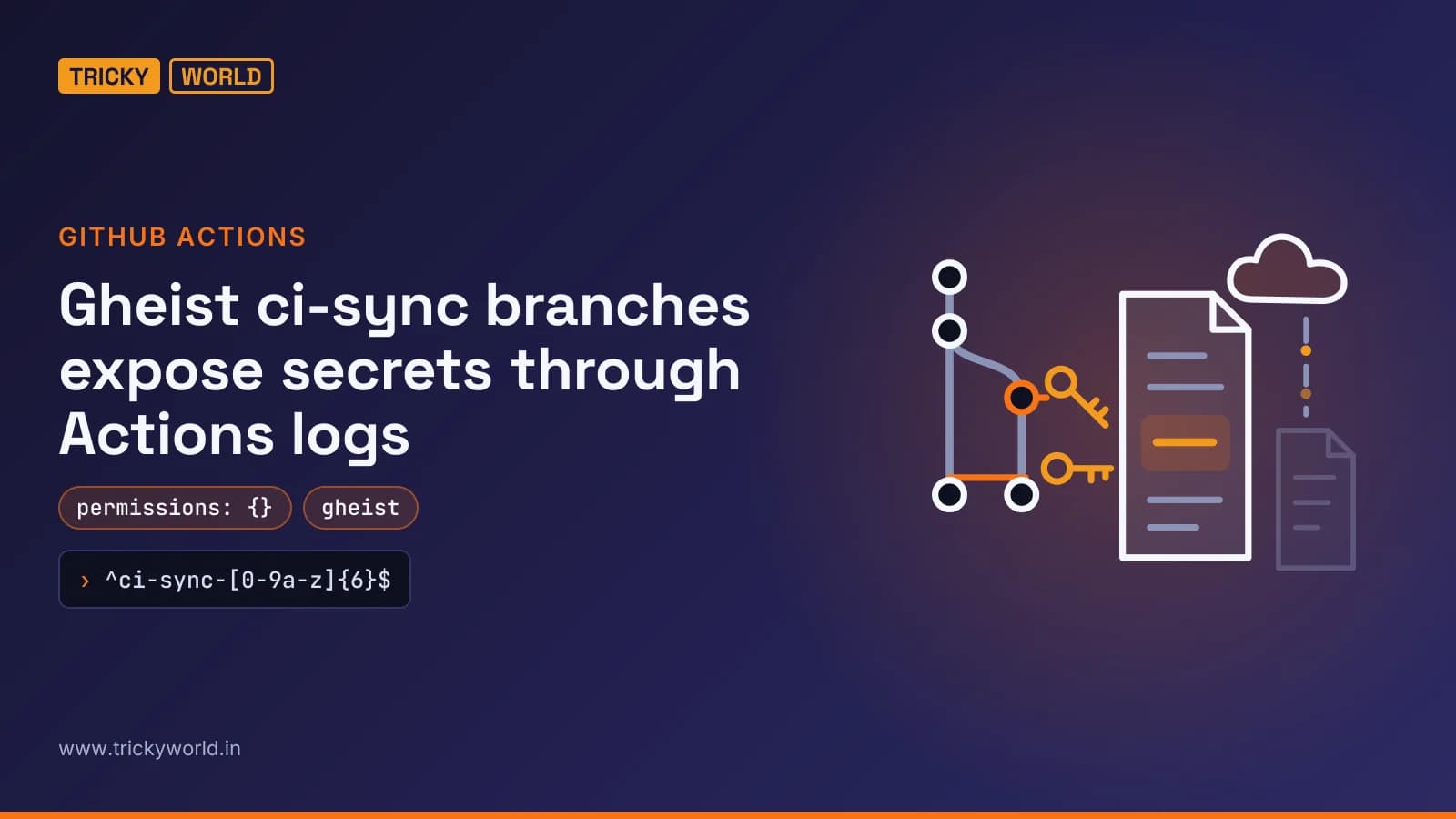
Search repository branch inventories using the exact branch-name pattern published by Wiz's Gheist investigation:
^ci-sync-[0-9a-z]{6}$The matching name is a starting point, not the whole investigation. Check whether the branch adds only .github/workflows/sync-check.yml, with the commit message ci: sync config. The campaign's commits are unsigned and use the token owner's name, so a familiar author name does not establish that the owner intended the change.
Start with private repositories holding production credentials, then check every repository the token could reach. Gheist attempts to plant its workflow in every repository accessible to a stolen token.
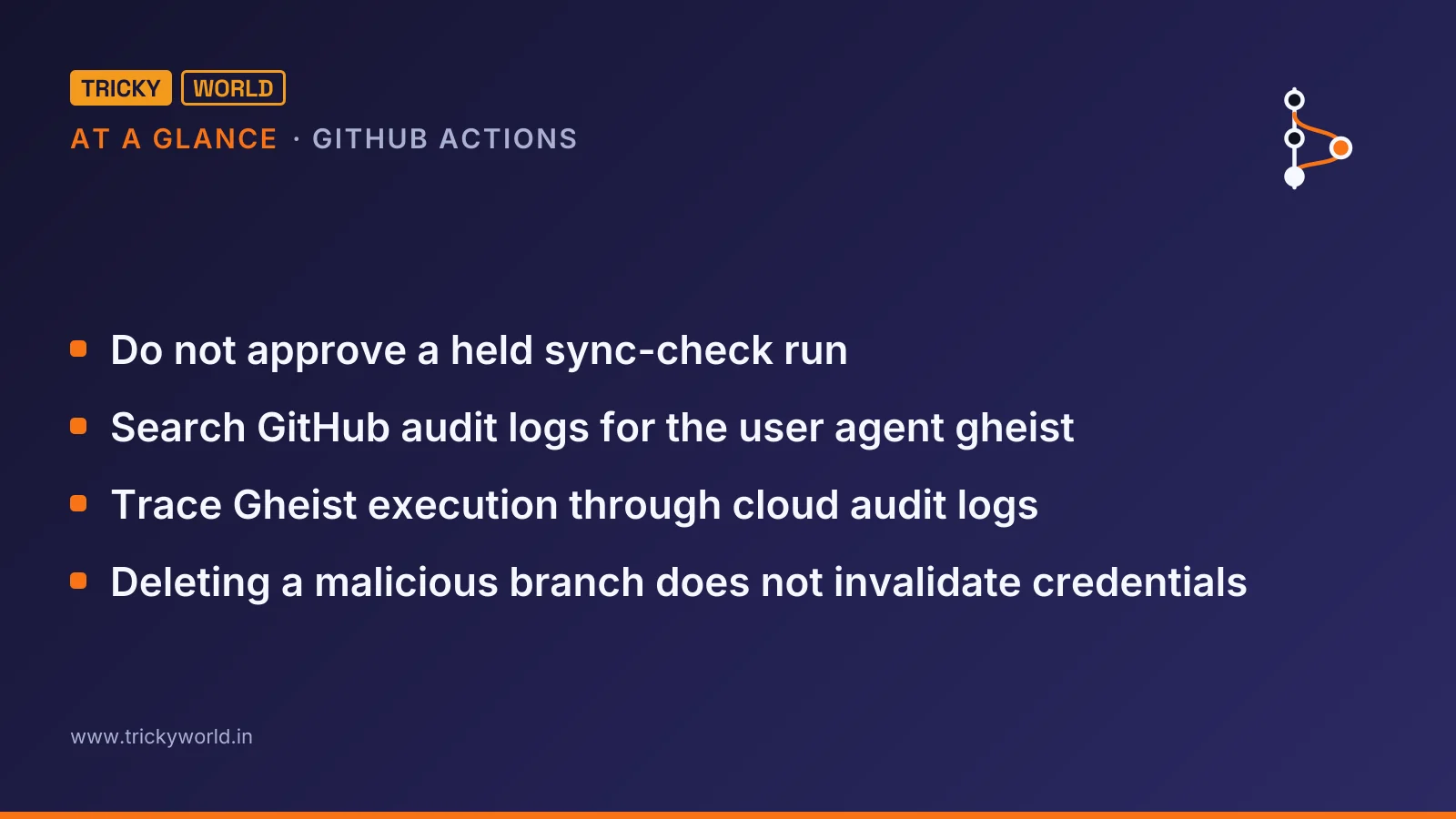
- Search GitHub audit logs for the user agent
gheistand workflow runs on matching branches that were deleted within a minute of completing. - Check whether a suspicious run remains held for approval. Do not approve a held
sync-checkrun. - On self-hosted runners, search for
.gdmp_pat,.gdmp_patgand.gdmp_sweep, plusgdmp-pivotin job logs.
Record the distinction between a planted workflow, a held run, and a completed run. Wiz found public runs whose payloads never executed, whereas audit evidence from private repositories showed completion followed by deletion. Those are different findings and should not be reported as equivalent exposure.
Why an empty permissions block does not stop the leak
Gheist exploits the access already held by a repository writer, rather than needing the workflow's generated token to steal secrets. GitHub's secure use reference states the underlying access rule directly:
“Any user with write access to your repository has read access to all secrets configured in your repository.”
— GitHub's secure use reference
The attacker creates the branch and pushes the workflow, which starts on the push event. Its job prints the environment and accessible secrets after encoding them in base32. GitHub's documentation warns that automatic redaction is not guaranteed when secret values are transformed; Wiz explains that the encoded text no longer matches the original secret.
The malicious workflow also contains this setting:
permissions: {}That restricts the job's GITHUB_TOKEN. It does not restrict the secrets context, which is what this payload needs. Reviewing token permissions alone would therefore miss the central access path.
Another variant lists deployment environments in a job matrix, allowing jobs to target environment-scoped secrets too. Required environment reviewers change that outcome: GitHub says a job cannot access an environment's secrets until approval is granted.
The danger of ci-sync branches is the access their workflows can exercise, not the size of their application-code diff. After execution, the tool retrieves the log through GitHub's API and deletes the run seconds later. Because GitHub itself carries the stolen output, there is no separate attacker domain or outbound connection to block.
Trace Gheist execution through cloud audit logs
Cloud audit logs provide another route to evidence, even when GitHub logs were not collected. Wiz observed organizations' own workflows running on attacker branches and assuming AWS roles. Search for role assumptions or token exchanges associated with jobs on ci-sync branches.
This matters for deployments using OpenID Connect (OIDC), which exchanges workflow identity for short-lived cloud access instead of storing long-lived cloud keys. GitHub's OpenID Connect reference identifies the standard claims used to establish that identity:
| Claim | Claim type | Description |
|---|---|---|
aud | Audience | By default, this is the URL of the repository owner, such as the organization that owns the repository. |
iss | Issuer | The issuer of the OIDC token: https://token.actions.githubusercontent.com. |
sub | Subject | Defines the subject claim that is to be validated by the cloud provider. |
For a job without an environment, and not triggered by a pull request, the default subject can include the branch. GitHub supplies this example of a branch-specific subject:
repo:octo-org/octo-repo:ref:refs/heads/demo-branchThis is an illustrative subject value, not a complete cloud policy. For the investigation, look for the attacker branch in the corresponding subject recorded during cloud authentication. For prevention, Wiz recommends limiting trust to protected branches or environments rather than allowing arbitrary repository branches.
A branch-only subject search has a blind spot. When a job references a deployment environment, the default subject includes the environment name instead. Pull-request events also have a different default subject when no environment is referenced. Check how your actual jobs authenticate before interpreting an empty branch-name search.
In one enterprise sequence, Wiz saw private repositories cloned before workflow planting, followed hours later by cloud credentials being used to enumerate AWS Secrets Manager. That supports investigating downstream cloud activity, but neither supplied investigation establishes where those credentials originated or who used them.
Revoke Gheist access and rotate exposed secrets
For an affected repository, containment means invalidating access, not merely removing the visible workflow. I'd treat this as a credential-exposure response rather than routine Git operations: removing a branch cannot recall a downloaded log.
- Revoke the tokens that pushed the commits. Check their owners' devices for infostealers, as Wiz recommends. Removing repository artefacts without addressing those credentials leaves the original access problem unresolved.
- Rotate every repository, organization and environment secret available to the affected repository. Use the repository's accessible secret set as the scope, rather than assuming the workflow targeted only a familiar deployment key.
- If a suspicious branch executed on a self-hosted runner, treat the machine and its cloud instance role as compromised. Repository-secret rotation alone does not address the host-level credential search attempted by the newer payload.
- Do not approve held malicious runs, and do not run code from ci-sync branches. Delete exposed logs as GitHub advises, while keeping secret rotation part of the response.
GitHub's documentation recommends both deleting logs containing unredacted secrets and rotating those secrets. Gheist already deletes its own runs after retrieval, so a missing log cannot substitute for that rotation.
Put approval between repository writers and production secrets
Required environment reviewers directly address the production-secret path Gheist tries to use. Require environment approval alongside token revocation; do not rely on log masking.
- Require reviewers on environments holding production secrets. GitHub documents that access to those environment secrets waits for reviewer approval.
- Scope OIDC trust policies to protected branches or environments. Short-lived cloud credentials reduce reliance on stored keys, but the cloud still needs to reject an unauthorized workflow identity.
- Use GitHub Apps or short-lived fine-grained tokens instead of personal access tokens, following Wiz's recommendation to make stolen credentials less useful.
- Run self-hosted runners as short-lived machines without Docker socket access or unrestricted cloud metadata access.
Runner cleanup also needs care. GitHub warns that automatically destroying an ordinary self-hosted runner after a job does not guarantee it ran only that job. Its just-in-time runners perform at most one job before removal, but reused hardware still needs a clean environment.
Gheist blocking and exposure evidence still have gaps
The public-repository safeguard worked in Wiz's checked sample, not across every possible malicious workflow. GitHub introduced the hold on July 28, 2026, and it applies only to runs the service identifies as potentially malicious.
Outcome varies by deployment:
| Deployment | Approval-hold coverage and observed outcome |
|---|---|
| Public repositories on github.com | Every Gheist run Wiz checked remained held for approval; its payload did not run. |
| Private repositories | The hold does not apply; Wiz observed successful exploitation. |
| GitHub Enterprise Server | The hold does not apply; audit logs showed suspicious runs completing and being deleted. |
The self-hosted payload also requires careful wording. Added around October 19, it attempts to search credentials on the runner, inspect process environments and reach cloud metadata. Wiz describes it as buggy and reports no successful run. Its presence is evidence of attempted host-level theft, not proof that every targeted credential was collected.
Likewise, the recovered branch and account counts do not establish how many organizations lost secrets. Wiz reported that the campaign was still ongoing and evolving as of October 24. Roughly two-thirds of implicated accounts were then unavailable; Wiz said this likely reflected response activity, not a confirmed explanation for every disappearance.
Held run means attempted abuse; completed-and-deleted run warrants rotation and cloud investigation. For private repositories with completed-and-deleted runs, the supplied evidence supports credential rotation and downstream cloud investigation—not reassurance from an empty Actions history.
Frequently asked questions
Is Gheist the same campaign as GhostAction?
No. Wiz explicitly distinguishes Gheist from GhostAction, which uses different workflow files. Similar secret-stealing behaviour is not enough to treat the two campaigns as the same activity.
Where did the stolen GitHub tokens come from?
The credential sources Wiz could trace included infostealer logs and tokens exposed in earlier supply-chain compromises, including the Trivy compromise in March. The investigation does not establish a source for every stolen token.
Why does my GitHub OIDC subject contain numeric owner and repository IDs?
GitHub says repositories created after July 15, 2026 use an immutable default subject containing owner and repository IDs. Older repositories retain the previous format unless they opt in, while renames and transfers after that date also move repositories to the immutable format. This rollout does not include GitHub Enterprise Server, and cloud trust policies must match the format the repository actually uses.
Sources
How this article was made: drafted with AI from the sources above and fact-checked against them, then reviewed by Vishal on . How we write and check articles.
Follow this story in Google's Top Stories: add Trickyworld as a preferred source.

Vishal writes Trickyworld's tutorials and interview-preparation guides on programming, databases, cyber security and AI. Vishal has been shipping production software long enough to have firm opinions about Python, PHP, Node.js, and JavaScript, and to have been wrong about each of them at least once. The work has run the whole stack: Drupal and Laravel applications, React front ends, MySQL and MongoDB underneath, Redis and Memcached for the things that had to be fast, Apache Solr for the things that had to be findable. That last part turned out to matter more than anyone expected. Tune a Solr index for a season, then watch a language model confidently retrieve the wrong document, and you recognise an old problem wearing new clothes. Most of what is hard about AI systems is not the model. It is retrieval, caching, latency budgets, and deciding what the system does when the answer comes back wrong — which is work he has been doing since well before anyone called it AI engineering. He plays a lot of games, which is less a hobby disclosure than an admission of where a good share of his engineering instinct came from. Real-time systems with a frame budget. State that has to stay coherent while a player does something no designer anticipated. The permanent question of what happens when the frame cannot finish in time. Those habits carry over more directly than they have any right to. He has written several books on programming, all built on the same conviction: most technical writing is unclear because the author never decided what to leave out. More from Vishal → · Editorial policy