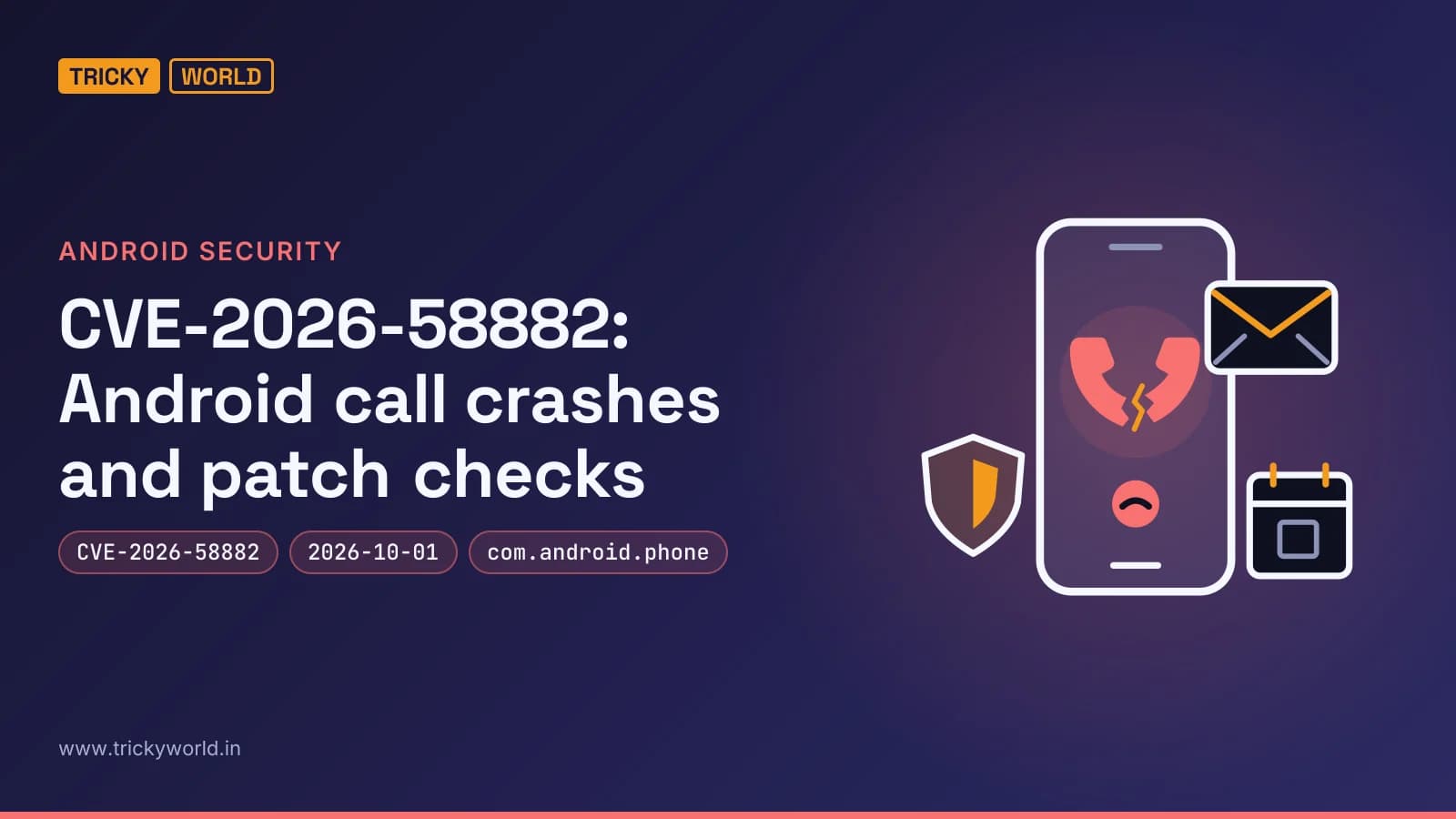
CVE-2026-58882: Android call crashes and patch checks
Android’s CVE-2026-58882 mishandles WAP Push header lengths, letting a crafted SMS crash the cellular process and interrupt calls without user interaction. Install available security updates, but no fixed version is published: fixes for Android 14 through 17 were reportedly pushed in October 2026, while Android 12 and 13 reportedly received no fix.
Summary written with AI from this article, and checked against it.

At a glanceCVE-2026-58882
CVE-2026-58882 has no CVSS score yet: NVD has no record of it so far. No fixed version has been published yet.
| Severity | Not scored yet: NVD has no record of it yet |
|---|---|
| Fixed in | No fixed version published yet |
| Affected | Not published yet |
| Exploited | Not in CISA's Known Exploited Vulnerabilities catalog |
| Public exploit | 1 GitHub repository names it: proofs of concept, scanners, detections. Unverified: some are fake or malicious. |
| Ubuntu | Not tracked yet |
| Debian | Not tracked yet |
| Red Hat | Not tracked yet |
Is there a public exploit for CVE-2026-58882?
Public code exists as of November 1, 2026: 1 public GitHub repository names it (proofs of concept, scanners and detections). It is not in CISA's Known Exploited Vulnerabilities catalog. None of it is verified: some such repositories are fake or carry malware, so read the code before running it, and only against systems you own.
From NVD · checked November 1, 2026
A crafted text message can silently crash Android's cellular process and drop active calls. Researcher Mark Blah calls it SMS of Death and tracks it as CVE-2026-58882. Google reportedly pushed a fix for Android 14 through 17 in October 2026, but no fixed version string has been published. Here is how to check your update status and pull crash evidence without sending the attack yourself.
If you rely on a company handset for calls, the failure mode is lost connectivity — not a messaging-app crash. BleepingComputer's report says emergency calls can also be interrupted. The piece credits Blah with the finding and notes that Android 12 and 13 did not receive the fix. That is researcher-reported coverage, not an officially published affected-and-fixed matrix.
Check Android security patch status and crash logs
Start with the handset's Android version, security patch level, and any pending security updates. Record all three together; the Android version alone tells you nothing. Google's October Android Security Bulletin states that a patch level of 2026-10-01 or later addresses the issues listed in that bulletin.
Google provides this patch-string representation for devices that incorporate those updates — a reference value, not a command:
[ro.build.version.security_patch]:[2026-10-01]If a handset is already showing suspicious cellular crashes, Blah's GitHub repository offers a diagnostic ADB command. On a device you own or administer, with ADB access already enabled, it filters logs for the exception and the affected telephony components:
adb logcat | grep -E 'NegativeArraySize|WapPushOverSms|com.android.phone'The repository describes an uncaught exception and a change in the cellular process's identifier during its demonstration. This command observes logs; it does not send the malicious message. I'd treat matching output as an investigation lead, not a standalone diagnosis — the filter searches several terms and does not establish why a particular crash occurred.
How CVE-2026-58882 interrupts cellular service
The CVE-2026-58882 failure happens while Android decodes a WAP Push message carried over SMS, before the message ever reaches the inbox. Blah's analysis shows the vulnerable code mishandles a header-length value in WapPushOverSms.decodeWapPdu. The recipient does not have to open a message, follow a link, or approve anything.
The repository's example uses the following bytes as a data SMS to port 2948; this block identifies the malformed input, not a command to send it:
01 06 88 80 80 80 00 BEThe malformed input produces a signed 32-bit integer value of -2147483648. Android then tries to allocate an array using that negative length, triggering a NegativeArraySizeException. Blah's repository says the exception goes uncaught in InboundSmsHandler and terminates com.android.phone.
That process manages cellular functions. Its termination explains why the reported effect extends beyond text delivery: mobile connectivity drops and an ongoing call can be disconnected. The absence of an inbox message also explains why scrolling through recent conversations will not surface the triggering text.
The reported patch addresses both the immediate crash and the possibility of processing the same harmful input again. BleepingComputer describes Google's change, titled Fix remote DoS in decodeWapPdu, as catching the relevant processing exceptions and deleting malicious messages from the SMS database. That combination matters because preventing one crash is not the same as removing its stored trigger.
Why a single delivery can become a recovery problem
Blah reports that repeated failures can occur when a carrier redelivers malicious messages or Android processes messages already stored on the phone. The practical distinction is between a brief interruption and a handset that cannot stay usable long enough for ordinary recovery work.
In the researcher's testing, sending 20 malicious messages could leave phones in reboot loops. On one Android 12 device, Blah observed a restart into recovery mode approximately every 90 seconds and reported that a factory reset was necessary to recover it. Those are observations from his tests, not a prediction that every affected handset behaves identically.
The normal appearance of the inbox is therefore a poor guide to what happened. Android processes this input earlier, and the reported repeat-crash paths involve message delivery or stored processing rather than someone repeatedly opening a conversation.
Escalate repeated restarts for recovery. The reported outcome also argues against deliberately reproducing CVE-2026-58882 on a handset that someone needs for work or emergency access.
Why an October patch date does not certify this fix
Google's October bulletin does not list CVE-2026-58882. BleepingComputer explicitly notes the omission while reporting Blah's account that Android 14 through 17 received a fix. Google's statement that a patch level covers the bulletin's listed issues should not be extended into confirmation of an identifier the bulletin does not contain.
This distinction also applies to Google Play system updates. Google separately lists these components and identifiers in the October bulletin:
| Subcomponent | CVE |
|---|---|
| Telephonycore | CVE-2026-58859 |
| WiFi | CVE-2026-45524, CVE-2026-49878 |
The presence of a telephony-related component in that table does not connect its fix to CVE-2026-58882. These are different identifiers. Similarly, the bulletin's general discussion of Google Play Protect does not establish that Play Protect blocks this crafted-message path.
As of November 1, 2026, NVD has no record for CVE-2026-58882. There is no CVSS score yet, and no fixed version has been published. CISA does not list it in its Known Exploited Vulnerabilities catalog. That absence is not evidence that attacks cannot occur; it means there is no CISA catalog listing to cite as confirmation of exploitation in the wild.
Public-code claims also need care. Blah's repository describes a proof-of-concept sending app, and BleepingComputer reports its release. Separately, PoC-in-GitHub lists Ignema/WapGuard as unverified; its description concerns clearing stuck WAP Push messages. I would not treat that listing as validation of either exploit reliability or a recovery tool's safety.
For a local build of the repository's app, set the SDK path in the project's local build configuration, replacing the placeholder with your Android SDK location:
# SDK location for this local build
sdk.dir=/path/to/Android/sdk
From the repository's project directory, this command builds the debug app without installing it or sending a message:
./gradlew assembleDebugThe supported conclusion is narrower than saying every phone is affected or every October-updated phone is safe. There is a researcher-described crash mechanism and reported patch coverage, but no published fixed-version identifier that settles the status of an individual handset.
Install Android updates and prepare for stuck handsets
The practical response is to deploy available security updates while keeping the uncertainty about this particular fix visible. BleepingComputer says security updates are generally installed automatically on supported devices, but availability depends on the manufacturer and carrier, and a restart may be needed to finish installation.
Record each handset's update position. Keep the Android version, security patch level, and pending-update status together. For a fleet, this gives the team a concrete basis for following up with the manufacturer rather than treating the Android major version as proof of protection.
Install the latest available security update on supported devices and complete any required restart. Do not stop at an update-download notification. For CVE-2026-58882, distinguish completing the available update from obtaining explicit confirmation that the handset includes the reported fix.
Give devices running Android 12 or 13 separate attention. BleepingComputer reports that these releases did not receive the fix. Ask the manufacturer whether a relevant update is available for the specific model; do not promise users that a routine update will resolve the issue without that confirmation.
If a handset repeatedly loses cellular service or restarts, collect the diagnostic logs when access is possible and escalate recovery. An ADB-based message-removal approach has been reported, but the supplied material does not provide its removal commands.
Prioritise call-critical handsets and arrange alternative calling access during recovery. That is an operational recommendation based on the reported failure mode, not a claim that another communication method patches Android.
Waiting for an NVD score is less useful than manufacturer confirmation and a recovery plan. For devices without confirmed coverage, manufacturer confirmation and a recovery plan are more useful than a live attack test. The researcher's reported reboot-loop result is enough reason to keep disruptive testing away from everyday phones.
Frequently asked questions
Who identified the ADB recovery approach for stuck messages?
BleepingComputer credits a GitHub contributor named Sakis with finding an ADB-based way to remove the malicious messages. The report says it requires a computer and more advanced technical knowledge.
Was Google’s October 2026 security bulletin revised after publication?
Yes. Google lists the bulletin as published on October 5, 2026, and updated on October 8, 2026. Its revision history says the later update added Android Open Source Project links.
Sources
Primary sources
- AdvisoryAndroid Security Bulletin—October 2026 · source.android.com
- CodeGitHub - MarkBlah/smsofdeath: remote + silent denial of service for all Android phones. https://smsofdeath.com/ for writeup. · github.com
- Write-upEnterprise Email Security Assessment · adaptivesecurity.com
- DocumentNVD and distribution data for CVE-2026-58882 (checked 2026-11-01)
- CVE recordCVE-2026-58882 in the National Vulnerability Database · nvd.nist.gov
Reports of the story
- News reportNew Android SMS of Death exploit can remotely crash unpatched phones · bleepingcomputer.com
How this article was made: drafted with AI from the sources above and fact-checked against them, then reviewed by Vishal on . How we write and check articles.

About the author
Vishal · Software & security engineerVishal writes Trickyworld's tutorials and interview-preparation guides on programming, databases, cyber security and AI. Vishal has been shipping production software long enough to have firm opinions about Python, PHP, Node.js, and JavaScript, and to have been wrong about each of them at least once. The work has run the whole stack: Drupal and Laravel applications, React front ends, MySQL and MongoDB underneath, Redis and Memcached for the things that had to be fast, Apache Solr for the things that had to be findable. That last part turned out to matter more than anyone expected. Tune a Solr index for a season, then watch a language model confidently retrieve the wrong document, and you recognise an old problem wearing new clothes. Most of what is hard about AI systems is not the model. It is retrieval, caching, latency budgets, and deciding what the system does when the answer comes back wrong — which is work he has been doing since well before anyone called it AI engineering. He plays a lot of games, which is less a hobby disclosure than an admission of where a good share of his engineering instinct came from. Real-time systems with a frame budget. State that has to stay coherent while a player does something no designer anticipated. The permanent question of what happens when the frame cannot finish in time. Those habits carry over more directly than they have any right to. He has written several books on programming, all built on the same conviction: most technical writing is unclear because the author never decided what to leave out. More from Vishal → · Editorial policy