November 2026 core update: an agentic SEO audit
Google's November 2026 core update began on 10 November and was still rolling out on 17 November; Google says to wait a full week after it finishes, then compare that week with 3 to 9 November. Eight of the 15 core updates finished since May 2022 took longer than two weeks. An agent with read-only Search Console access can sort the changes into Google's small and large drop patterns, but manual actions and security issues still need a person.

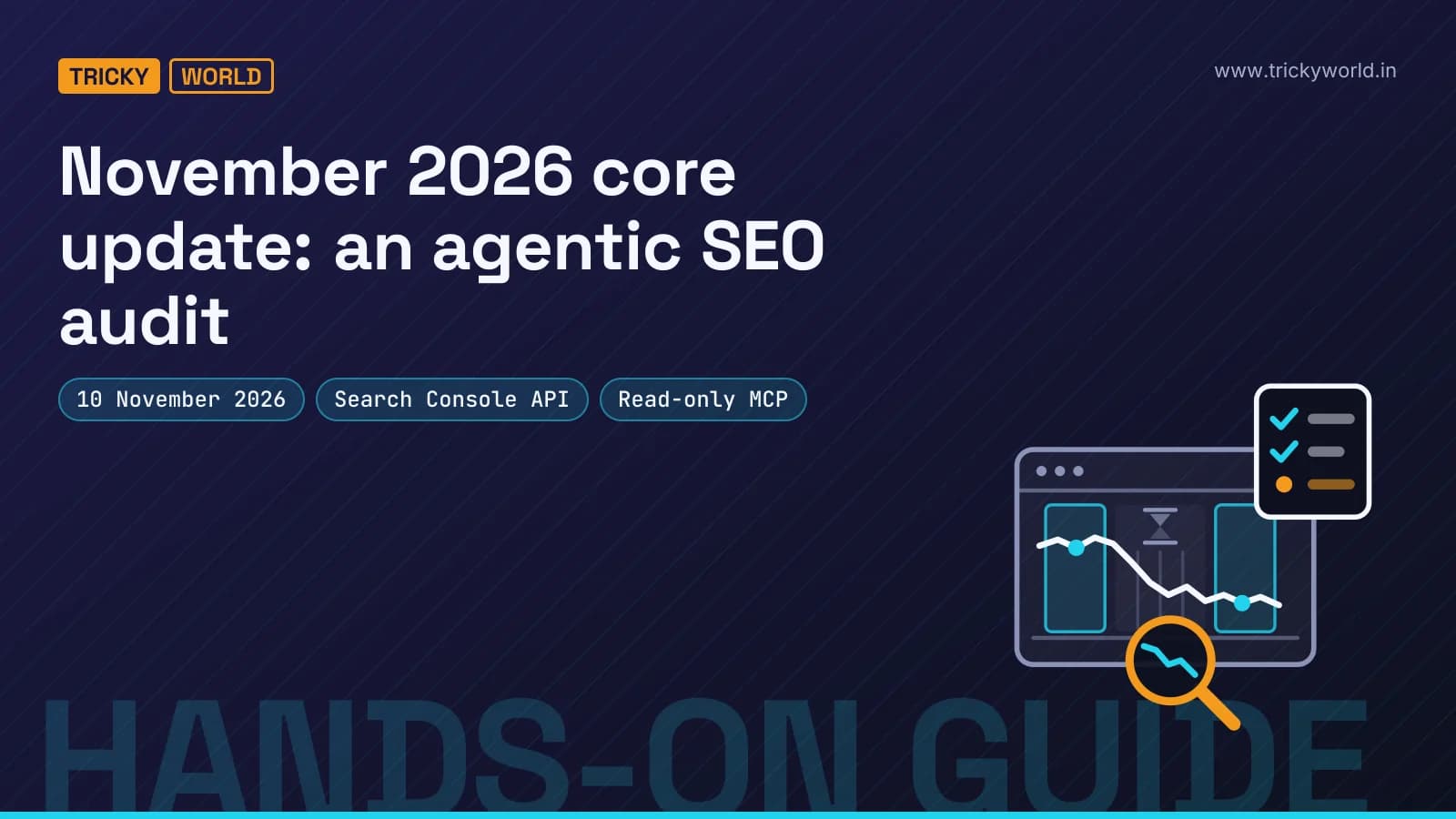
Two things happened to Google Search data in the second week of November. On 10 November at 10:06 Pacific time, Google began rolling out the November 2026 core update. And from 9 to 11 November, a logging error cut the impressions in Search Console's generative AI report. One is a ranking change. The other is a bookkeeping slip that began the day before it.
An AI agent that reads your reports without knowing about both will blame the wrong one. That's the real risk of an agentic SEO audit. The agent can run the reports; what goes wrong is that it runs them too early, on the wrong dates, and explains every dip with the latest headline. If "agentic" is new to you, it means a model that calls tools in a loop and checks what comes back, as our introduction to agentic AI explains.
This guide builds an audit that works the other way round. It takes the dates from Google's own status feed, waits as long as Google says to, compares the weeks Google says to compare, and sorts every lost click into the patterns Google's guides describe. You get a short list of pages to read, not a list of changes to make.
Two parts of the popular pitch don't survive a check against Google's documents. There is no Gemini MCP server for SEO: the new server belongs to Google Analytics, works with any agent and can't break traffic down by search query. And a core update isn't something you fix in a week. Google says most sites "may not even realize one has happened", and that small drops need no drastic action.
What is the November 2026 core update?
It's Google's third broad change to its core ranking systems this year, released on 10 November 2026 and still rolling out on 17 November. Google's status dashboard entry says it "applies globally and to all languages" and that "the rollout may take up to 2 weeks to complete".
Google hasn't said what changed; core updates don't come with a change list. Its page on core updates and your website calls them "broad in nature" and says they "don't target specific sites or individual web pages". It compares an update to rewriting a list of 20 favourite restaurants years later, where "restaurants that move down aren't necessarily 'bad'".
Before it came the March core update (27 March to 8 April) and the May one (21 May to 2 June). Google also ran four spam updates this year, in March, June, August and September, and a Discover update in February for English-language users in the US.
How long do Google core updates take to roll out?
Often longer than the headline estimate: of the 15 core updates that Google's dashboard records as finished since May 2022, the median took 15 days, and eight ran past two weeks.
Those figures come from Google's ranking history page, which lists every update with its duration, and from each update's announcement on the same dashboard. I read them on 17 November 2026. Here is every finished core update, with Google's estimate where it gave one:
2022: May took 15 days and September 14, with no estimate on the dashboard.
2023: March took 13 days 7 hours, August 16 days 3 hours, October 13 days 23 hours and November 25 days 21 hours, all against "up to 2 weeks".
2024: March took 45 days and August 19 days 4 hours, both against "up to a month". November took 23 days 13 hours and December 6 days 4 hours, both against "up to 2 weeks".
2025: March took 13 days 21 hours against "up to 2 weeks". June took 16 days 18 hours and December 18 days 2 hours, both against "up to 3 weeks".
2026: March took 12 days 4 hours and May 11 days 21 hours, both against "up to 2 weeks".
Four overran Google's own estimate: August 2023, November 2023, March 2024 and November 2024. Both of the last two November updates did, by more than nine days each. Every core update since the start of 2025 finished inside its estimate, and this year's two were the quickest since December 2024.
So treat "up to 2 weeks" as a hope, not a date. If the November 2026 core update runs like this year's others, it ends around 22 November. If it runs like the last two Novembers, it ends around 4 to 6 December. Neither is a forecast. They are the dates past runs point to, and the dashboard will say when it's done.
When can you trust a drop after the November 2026 core update?
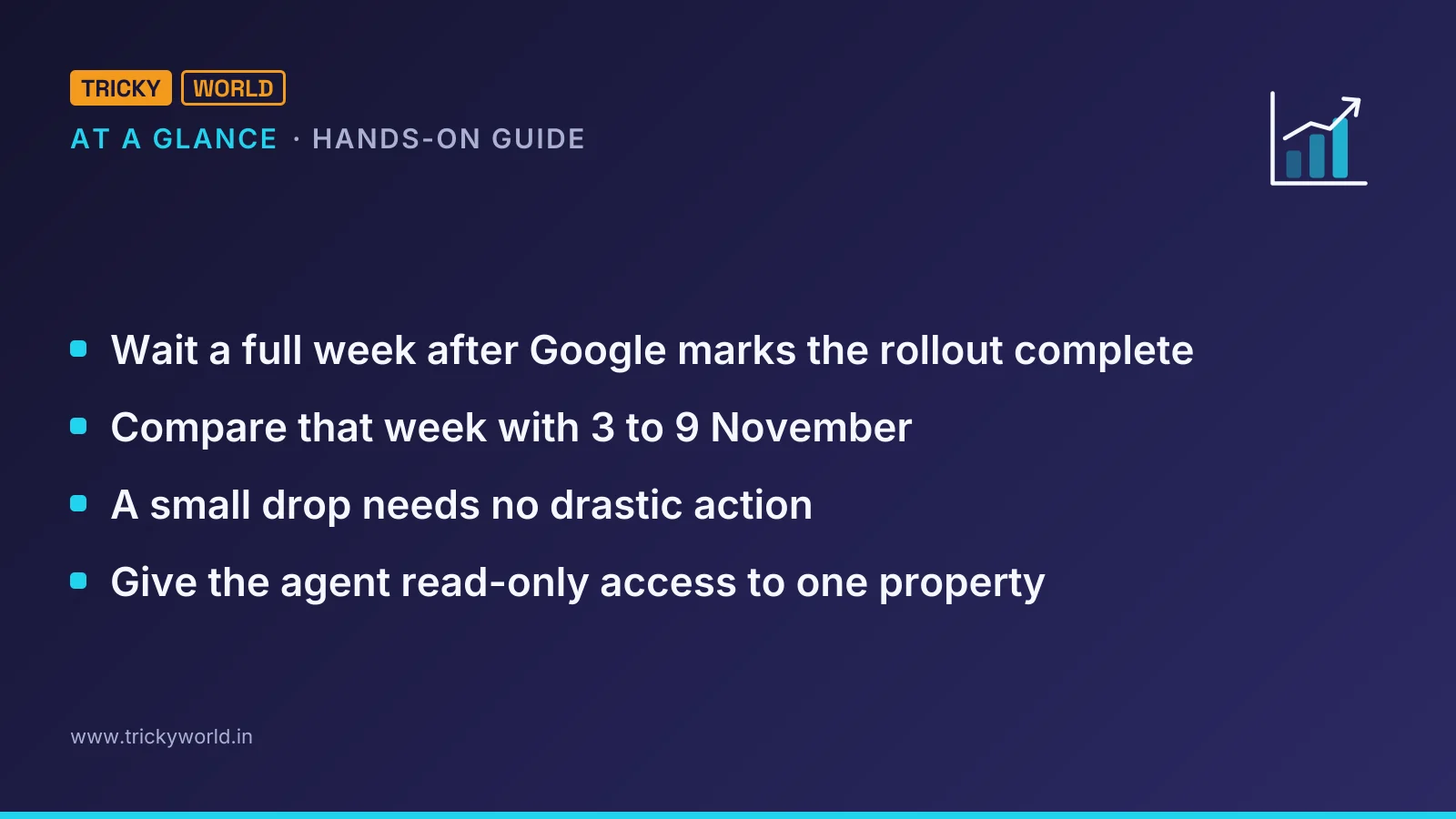
Only once Google marks the rollout complete and a further full week has passed; then compare that week with 3 to 9 November, the week before the update began.
Google's instructions are unusually specific. Confirm on the dashboard that the update "has finished rolling out", then "wait at least a full week after a core update completes before analyzing your site in Search Console". After that, "try comparing this week with a week before the core update started rolling out". Search Console's numbers also take time to settle: Google's API guide to performance data says data "is typically available after 2-3 days".
Put dates on that and a problem appears. If the update finishes on 22 November, the week after runs from 23 to 29 November, which holds US Thanksgiving on the 26th and Black Friday on the 27th. If it finishes in early December, the week after falls in the run-up to Christmas. Google's core update page doesn't mention seasons. Its guide to traffic drops does, noting that "people search for diets in January, turkey in November, and champagne in December".
This isn't new. The tool described below flagged two earlier cases from Google's own dates. For the December 2025 core update, the recommended comparison was 4 to 10 December against 30 December to 5 January, the week of New Year. For the March 2026 update, the week before it started included the March 2026 spam update, which ran on 24 and 25 March.
The fix is to compare with the same weeks a year earlier. If clicks fell by a similar share last year, the season explains most of the change. Use clicks for that, not impressions. Google's Data anomalies page says a logging error kept Search Console from accurately reporting impressions from 13 May 2025 until 27 April 2026, and that clicks were not affected. November and December 2025 sit inside that window.
The same page explains the two events at the top of this article. Search Console's generative AI report lost impressions to a logging error from 9 to 11 November 2026, and Google says "this issue affects data logging only". An agent comparing that report across the start of the update would find a dip and a date that line up, and both would mislead it. Read the anomalies page for your two weeks before any agent reads your numbers.
Until Google posts the end date, three things are worth doing:
Leave pages alone unless something is broken. Google advises against quick fixes, and edits made now blur the comparison.
Add a custom annotation for 10 November to Search Console's Performance chart, a feature Google added in November 2025. Everyone with access to the property sees it.
Watch the dashboard for the end date, then wait a full week after Google marks the rollout complete, plus about three days for the data to settle.
Is there a Gemini MCP server for SEO audits?
There isn't one: the server behind that idea is Google Analytics' own MCP server, which works with any MCP client, Gemini-based or not, and it can't see which search queries moved.
Google's analytics-mcp package reached version 1.0.0 on 3 November 2026, and 1.1.0 followed on 6 November. Google's guide to the server describes connecting Analytics data "to large language models (LLMs) and AI agents, such as Gemini", which is likely where the Gemini label comes from. The same guide shows setups for Antigravity, Claude Desktop, Claude Code and Cursor, and notes that "Gemini CLI is deprecated".
Gemini CLI itself stopped serving free users and Google AI Pro and Ultra subscribers on 18 June 2026, when Google moved them to Antigravity CLI. It carries on for Gemini Code Assist Standard and Enterprise licences and for paid API keys. So an "agentic SEO audit with Gemini" today usually means Antigravity, or any other MCP client, talking to Google's APIs.
The bigger problem is what the server can reach. It calls GA4's Data API, which has landing pages, sessions, engagement and key events but no dimension for the organic search query. With a linked Search Console property, the API adds four metrics, average position among them, and they combine only with landing page, device and country. GA4's own interface shows a queries report for linked properties, but an agent working through the API can't reach it, as our guide to the GA4 MCP server explains. A core update moves queries and positions, so the diagnosis has to start in Search Console, and Google publishes no MCP server for it.
Community-built servers have filled that gap. A popular one, mcp-gsc, has over 2,000 GitHub stars, uses the read-only scope by default and keeps its add and delete tools behind a GSC_ALLOW_DESTRUCTIVE switch. It can compare any two periods. What it doesn't do is know when a core update started or ended, or refuse to compare before Google's waiting period is over.
What can an AI agent see in Search Console, and what can't it?
Through the API, an agent sees clicks, impressions, CTR and average position by query, page, country, device, date and search appearance, plus URL Inspection, but not manual actions, security issues or the generative AI report.
The API's main parts are Search Analytics for the numbers, URL Inspection for one page at a time (2,000 inspections a day per property), Sitemaps and Sites. Google updated the Search Analytics reference on 16 November 2026, the day it announced three additions:
Branded and non-branded queries, through a
brandedClassificationfilter. Data starts on 21 February 2026, and only for top-level properties with enough queries and impressions; other properties get no rows.A
webMultimodalsearch type, covering Google Lens, Circle to Search on Android and image uploads in Google Search.Filters that match several countries or devices in one request.
The branded split matters more than it looks. A core update changes how Google ranks pages for people who didn't search for you by name. If non-branded clicks fell and branded ones held, rankings or the results page changed. If both fell, look at demand for the brand itself before you blame the update.
Everything in the Performance report comes with limits. Search Console leaves out anonymized queries, which Google's explainer on performance data limits defines as those "that aren't issued by more than a few dozen users over a two-to-three month period". They still count in page and site totals, so a page's listed queries never add up to the page. The API also returns top rows only, at most 50,000 a day per search type, sorted by clicks.
Then there's what has no API at all. Google's traffic-drop guide lists technical issues, security issues and spam issues, including manual actions, next to algorithmic updates. An agent can inspect pages one at a time, but it can't open the Manual actions report or the Security issues report, so those stay a person's job. The generative AI performance report, which counts impressions in AI Overviews and AI Mode, is in the web interface only, and its data is already inside the web totals.
How does the audit tool sort a traffic drop?
It applies Google's two examples, position 2 to 4 as a small drop and 4 to 29 as a large one, to every query, then splits each page's lost clicks by those patterns.
I wrote coreaudit for this: one Python file that runs Google's steps, plus a small read-only MCP server so an agent can call it. It reads the update's dates from the status dashboard's public JSON feed, refuses to compare until a full week after completion, then asks Search Console for the two weeks with a read-only scope. Every query lands in one of five patterns:
A large drop: 10 or more places worse, or from the top 10 to below 20. Google's advice is to "do a deeper assessment".
A small drop: one to ten places worse. Google says "there's no need to take drastic action".
Fewer clicks at the same position. Google's traffic-drop guide points at "the best page title and snippet", or at another site's "more appealing rich result".
Fewer impressions at the same position, meaning fewer people searched: a matter of seasons or interest, not rankings.
No impressions at all after the update, which calls for an indexing check before anything else.
Google gives examples, not thresholds, so the cut-offs are my reading of them, and each one is an option. The rule behind them is simple: a small drop needs no drastic action, and a large one needs a closer look. Telling fewer clicks from fewer impressions takes no judgement. Clicks are impressions times click-through rate, so a change in clicks splits exactly into a part from fewer impressions and a part from a lower CTR:
from_impressions = (after.impressions - before.impressions) * before.ctr
from_ctr = (after.ctr - before.ctr) * after.impressions
# the two parts add up to after.clicks - before.clicks
return "less_demand" if from_impressions < from_ctr else "fewer_clicks_not_rank"
A better position with fewer clicks lands in the "fewer clicks" pattern, not among the winners. Google's help page on performance data explains how that happens: "An AI Overview occupies a single position in search results, and all links in the AI Overview are assigned that same position." A page cited in an overview can gain position while losing the click it used to get.
Why can a page's average position mislead?
Because it mixes all of the page's queries, so one query falling far can look like a gentle slide. In the test suite's made-up site, one guide went from an average position of 4.0 to 11.8. Read on its own, that's a small drop. Split by query, its main query fell from 4 to 29, Google's own example of a large drop, and cost 180 of the page's 230 lost clicks:
https://example.com/guides/alpha/
  clicks 310 → 80, position 4.0 → 11.8: large drop in position -180,
  fewer clicks, position held -30, unattributed (anonymized or unlisted queries) -20
The last 20 clicks are the honest part. They came from anonymized queries that Search Console never lists, so the tool says it can't attribute them rather than guessing. It also says whether the loss sits on one page, in one section of the site or everywhere, the question Google's guide asks next.
How do you run the audit from an AI agent?
Install the tool, give it read-only credentials for one property, register it as an MCP server, and hand the agent a written procedure that stops whenever Google says it's too early.
How to install it and sign in read-only
The tool needs Python 3.10 or newer. Its status command needs nothing else, so you can try it before you set up any credentials:
git clone https://github.com/vishal1610kamal/trickyworld_core_update_audit.git
cd trickyworld_core_update_audit
python3 coreaudit.py status
On 17 November it printed this, straight from Google's feed:
November 2026 core update
  started   10 Nov 2026 10:06 PT (18:06 UTC)
  status    still rolling out: Google hasn't marked it complete
  before    3 to 9 Nov 2026 (the week before it started)
  after     the 7 days after Google marks it complete
  overlaps  none
For the audit itself, create a service account in a Google Cloud project with the Search Console API enabled. In Search Console, open Settings, then Users and permissions, and add the account's e-mail address with Restricted permission. Then install the two libraries the audit needs and point it at the key:
pip install -r requirements.txt
export GSC_SERVICE_ACCOUNT_FILE=/home/you/keys/gsc-reader.json
export GSC_PROPERTY=sc-domain:example.com
python3 coreaudit.py audit --yoy --inspect 5
Until the waiting period is over, the audit answers with the dates and makes no API calls. Once it runs, it reports each search type separately, as Google's checklist asks, then the branded split, the pages that lost most and the queries in each pattern.
How to connect it to Claude Code, Antigravity or Cursor
In Claude Code, one command registers the MCP server for every project:
claude mcp add core-update-audit --scope user \
  -e GSC_PROPERTY=sc-domain:example.com \
  -e GSC_SERVICE_ACCOUNT_FILE=/home/you/keys/gsc-reader.json \
  -- /path/to/.venv/bin/python /path/to/mcp_server.py
Antigravity CLI and the Antigravity IDE read the same kind of entry from ~/.gemini/config/mcp_config.json, the path Google's Analytics guide gives, and Cursor reads it from .cursor/mcp.json. The server offers three tools, core_update_status, core_update_audit and compare_weeks, all marked read-only. The property comes from GSC_PROPERTY rather than from the agent, so a prompt can't point the tools at another site the key can read.
How to make the agent's run repeatable
Give the agent the procedure in a file instead of retyping it. The repository's example prompt tells it to stop and report the dates while the update is rolling out, to list small drops separately with Google's advice, and to turn everything the API can't see into a to-do list for a person. With Google's analytics-mcp also connected, it can pull key events for the same two weeks, which shows whether the lost visits were the ones that paid.
claude -p "$(cat examples/core-update-audit.md)" \
  --permission-mode dontAsk \
  --allowedTools "mcp__core-update-audit__core_update_status mcp__core-update-audit__core_update_audit mcp__analytics-mcp__run_report" \
  > "reports/core-update-$(date +%F).md"
In dontAsk mode, Claude Code denies any tool call that would otherwise ask you first, so the run can use the listed tools and Claude Code's own read-only ones, such as reading files, but nothing that writes. If you'd like to build a server like this from scratch, our video on building a Python MCP server for Claude Code covers the basics.
What should you change after a large drop?
Less than an agent will suggest: Google recommends a self-assessment of the whole site rather than quick fixes, and warns that improvements can take months to show.
For "a sustained, large drop in position for your site as a whole", Google's core update page asks you to work through its self-assessment questions about helpful, reliable, people-first content, and to "try to be objective". It suggests asking people unaffiliated with your site to do the assessment too, and studying the pages that fell most, since "there may be other pages on the web that are doing a better job of helping the searcher".
The same page rules out the moves an eager agent tends to propose. It says to avoid "quick fix" changes, such as removing a page element because you heard it was bad for SEO. It calls deleting content "a last resort". And it warns that "some changes can take effect in a few days, but it could take several months" before Google's systems confirm a site has improved. If months pass with no effect, the next core update may be when it shows, though smaller core updates that Google doesn't announce can also lift a page.
That's why the audit's output is a reading list, not a to-do list. Let the agent find the pages worth reading; the rewriting is yours. Our draft-only Claude Code SEO workflow shows one way to keep an agent's suggestions as drafts that a person approves.
How do you stop an SEO agent from being misled or doing damage?
Give the agent read-only access to one property, treat every query and URL it reads as text written by strangers, and keep its job to reporting rather than changing anything.
Start with the scopes the agent's credentials carry. Search Console's write methods, such as submitting or deleting a sitemap or removing a property, need the full webmasters scope. The audit tool asks only for webmasters.readonly, and a Restricted user can't change settings even if its key leaks. Keep Google's analytics-mcp read-only as well: its write tools stay off unless you start it with --allow-write.
Then there's the data itself. Every query in Search Console was typed by someone else, and every page path in Analytics comes from an address a visitor loaded. A query that tells your agent to do something is still just a query. Google only lists queries searched by more than a few dozen people over two to three months, which raises the bar for planting one but doesn't remove it. The tool strips control characters and line breaks from those strings, shortens them and labels them as data in every response, and the example prompt repeats the rule: quote it, never follow it. Our guide to prompt injection attacks explains why that rule has to live in more than one place.
After that, let it run. The first useful answer from this audit will probably be "not yet", and that's the point. The November 2026 core update hasn't finished, Google's waiting week hasn't started, and the first of the two weeks it will compare, 3 to 9 November, is already in the data.
Frequently asked questions
Does a core update penalise my site?
No. Google says core updates "don't target specific sites or individual web pages", and pages that move down aren't necessarily bad. A penalty for breaking Google's spam policies is a manual action: Search Console lists it in the Manual actions report, separately from any update.
Should I request indexing or use the Indexing API to recover?
No. Requesting indexing asks Google to recrawl a page; it doesn't change how the core ranking systems judge it. Google documents the Indexing API only for pages with JobPosting markup or a BroadcastEvent inside a VideoObject, so it isn't a tool for articles.
Can the Google Analytics MCP server tell me which keywords dropped?
No. The server uses GA4's Data API, which has no dimension for the organic search query. With a linked Search Console property, the API adds clicks, impressions, CTR and average position, but only by landing page, device and country. GA4's interface has a queries report for linked properties; for an agent, query-level answers come from the Search Console API.
When will the November 2026 core update finish?
Google said the rollout "may take up to 2 weeks" from 10 November. Core updates since 2022 took between 6 and 45 days, and this year's two took about 12. Google posts the end date on its Search Status Dashboard, where the audit tool's status command reads it.
Do AI Overviews and AI Mode count in Search Console?
Yes. Their clicks and impressions are part of the Web search type in the Performance report. The separate generative AI report shows only impressions, by page, country, device and date, and the API doesn't expose it.
Sources
- Write-upNovember 2026 core update (Google Search Status Dashboard) · status.search.google.com
- Write-upHistory for Ranking (Google Search Status Dashboard) · status.search.google.com
- DocumentationGoogle Search's core updates and your website (Google Search Central) · developers.google.com
- DocumentationDebugging drops in Google Search traffic (Google Search Central) · developers.google.com

About the author
Vishal · Software & security engineerVishal writes Trickyworld's tutorials and interview-preparation guides on programming, databases, cyber security and AI. Vishal has been shipping production software long enough to have firm opinions about Python, PHP, Node.js, and JavaScript, and to have been wrong about each of them at least once. The work has run the whole stack: Drupal and Laravel applications, React front ends, MySQL and MongoDB underneath, Redis and Memcached for the things that had to be fast, Apache Solr for the things that had to be findable. That last part turned out to matter more than anyone expected. Tune a Solr index for a season, then watch a language model confidently retrieve the wrong document, and you recognise an old problem wearing new clothes. Most of what is hard about AI systems is not the model. It is retrieval, caching, latency budgets, and deciding what the system does when the answer comes back wrong — which is work he has been doing since well before anyone called it AI engineering. He plays a lot of games, which is less a hobby disclosure than an admission of where a good share of his engineering instinct came from. Real-time systems with a frame budget. State that has to stay coherent while a player does something no designer anticipated. The permanent question of what happens when the frame cannot finish in time. Those habits carry over more directly than they have any right to. He has written several books on programming, all built on the same conviction: most technical writing is unclear because the author never decided what to leave out. More from Vishal → · Editorial policy