Dark web browser: Use Tor without assuming anonymity
Tor Browser opens .onion services and hides your network location, but it does not make your accounts or device anonymous. For a controlled research session, install it from torproject.org on a clean computer, select Safer or Safest, and avoid personal logins, extra extensions and downloads.
Summary written with AI from this article, and checked against it.

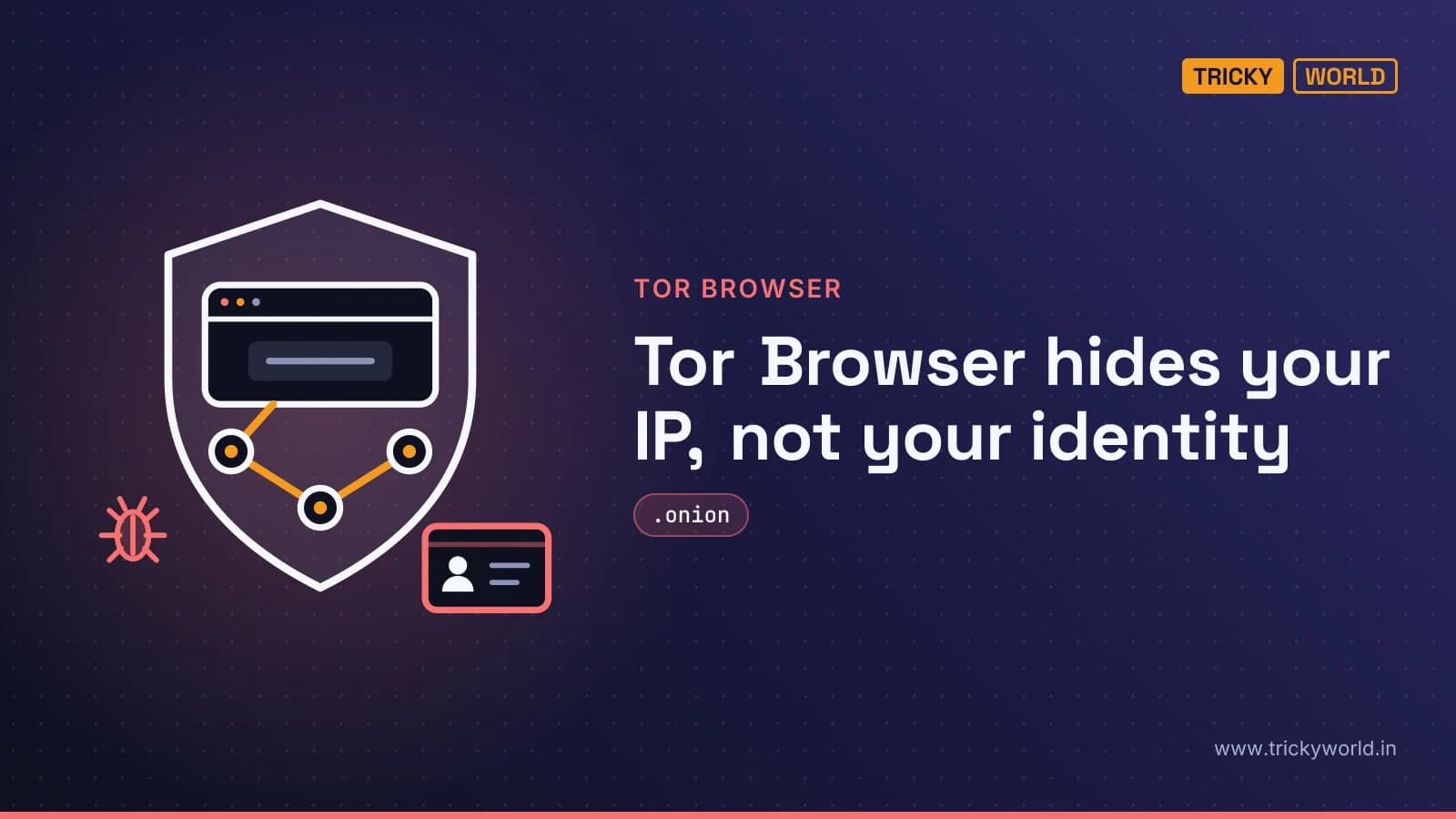
A personal email login identifies you even when Tor hides your IP address. Tor Browser reaches hidden .onion services and adds protections against fingerprinting, but it cannot make your accounts or device anonymous. This guide shows you how to choose a dark web browser, set up a controlled research session, and avoid actions that expose your identity or compromise your computer.
For developers and IT teams, the practical concern is leaked credentials, session cookies, and network access traded on dark web markets. DeepStrike's guide to Tor's protections separates network privacy from device and account security. You don't have to visit those markets for breached information about you or your organization to show up there.
What does a dark web browser actually open?
Tor Browser opens .onion services that ordinary browsers cannot reach directly. It's free, open source, and maintained by the nonprofit Tor Project. Unlike a browser window that merely redirects traffic, it combines Tor routing with browser-level protections against fingerprinting.
The distinction from the deep web matters. Your private email, banking portal, and corporate dashboard belong to the deep web because their contents aren't indexed by search engines. They don't become dark web services just because they require a password.
The dark web is the deliberately hidden portion that requires special software or an anonymity network. Tor is the usual route to .onion services, but it's not the only anonymity network. I2P is a separate network — not another name for Tor — and it doesn't reach .onion sites.
Which dark web uses are legitimate?
Privacy, confidential communication, and access to censored information are legitimate reasons to use Tor. Cyble's dark web overview describes journalists protecting sources, whistleblowers sharing information, and researchers studying threats. The same infrastructure also hosts stolen data, malware services, and fraudulent marketplaces.
Connecting doesn't automatically compromise a computer. Equally, a privacy tool doesn't make an unknown page trustworthy. Scams, malicious downloads, and illegal content remain risks, regardless of how the connection reaches them.
For interview prep or general security learning, I'd start with public breach analysis, legal training environments, or malware sandboxes rather than live underground forums. Direct access makes more sense when there's a specific research question those alternatives can't answer.
Using Tor is legal in many countries, but local restrictions vary. Neither privacy nor a research label makes prohibited conduct lawful. Local restrictions vary, and neither privacy nor a research label makes prohibited conduct lawful.
Where Tor's protection stops
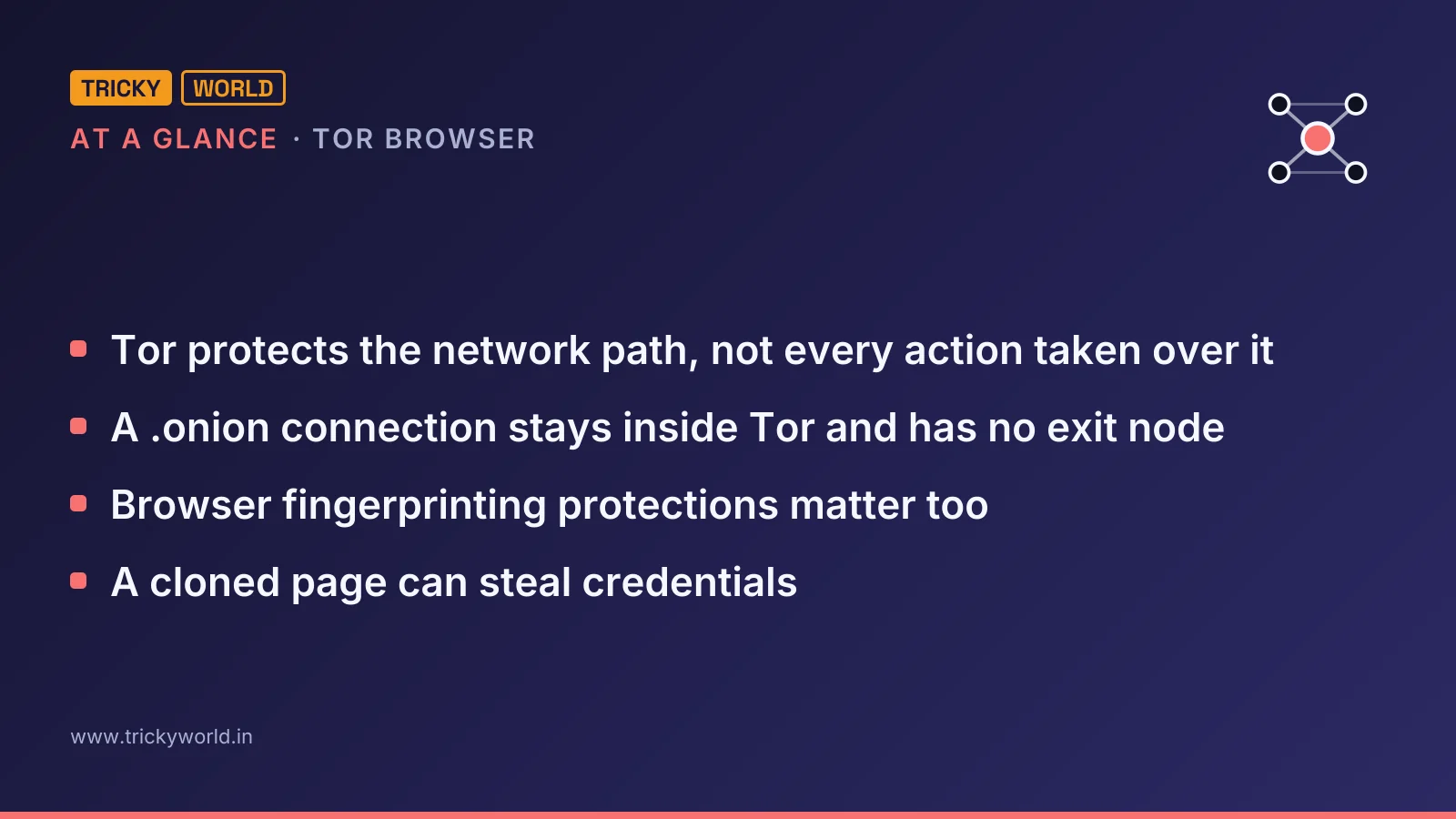
Tor protects the network path, not every action taken over it. Its layered encryption sends ordinary browsing traffic through three volunteer-operated relays. Each relay knows only the adjacent steps rather than seeing both the user and destination.
DeepStrike separates those protections from the mistakes and attacks they cannot prevent:
| Tor helps protect | Tor does not protect against |
|---|---|
| Your IP address and physical location | Identification through a personal account login |
| Traffic contents from your internet service provider or Wi-Fi observer | Malware on a compromised device |
| Your destination sites from local observers | Identification through a reused name, email address or username |
| Onion traffic, which stays within Tor | A global adversary correlating entry and exit timing |
A .onion connection stays inside Tor and has no exit node. It's encrypted end to end between the user and onion service through a rendezvous point. That removes the exit-node risk associated with accessing ordinary websites through Tor; it doesn't establish that the service itself is honest.
Your internet service provider may still recognize that you're using Tor. A sufficiently capable observer watching multiple points may attempt traffic-correlation attacks. Browser settings also involve trade-offs: stronger security levels can reduce usability, while extra extensions or customizations can make your browser easier to distinguish.
The practical danger is broader than tracking. A fake download can compromise the endpoint, a cloned page can steal credentials, and an account login can disclose an identity without breaking Tor's encryption.
Choose the browser, not just the Tor connection
A dark web browser needs more than a route into Tor. Browser fingerprinting protections matter too. DeepStrike reports that Brave's documentation acknowledges its Tor windows don't implement most of Tor Browser's privacy protections, so choose desktop Tor Browser when anonymity matters rather than treating a convenient Tor-routed window as equivalent.
These options differ in both their role and their protection:
| Tool | What it provides | Important qualification |
|---|---|---|
| Tor Browser | A free, open-source browser designed for Tor | Strong anonymity uniformity, with deliberately slower browsing |
| Brave Private Window with Tor | A desktop Chromium window routed through Tor | It lacks most of Tor Browser's privacy protections and is not a substitute |
| Onion Browser for iOS | A Tor Project-recommended app for iPhone and iPad | Its WebKit foundation cannot match desktop Tor Browser's privacy protections |
| Tor Browser for Android / Orbot | An official Android browser, or an app that routes other applications through Tor | Orbot is a proxy/VPN app, not a hardened browser by itself |
| I2P | A separate anonymity network | It has a different design and does not provide access to .onion services |
Expect slower loading than ordinary browsing: routing through multiple relays has a cost, and slowness alone doesn't indicate a broken setup.
Set up Tor Browser for a controlled research session
Use the following sequence for legitimate, observational research.
Define the purpose and choose the environment before connecting. Record what you intend to investigate, and separate research from everyday accounts and activities. For ordinary use, DeepStrike considers Tor Browser on a clean computer sufficient. For sensitive work, separate the research environment from the daily operating system. Tails is a live USB operating system that forgets session data at shutdown unless encrypted persistence is used. Whonix separates a Tor gateway from a workstation whose internet access goes through that gateway. Choose according to whether you need temporary sessions or persistent, compartmentalized work.
Obtain Tor Browser from the official Tor Project website. Check that the address is exactly torproject.org rather than a misspelled or hyphenated imitation. Avoid deceptive search ads, forum downloads, and third-party mirrors. DeepStrike describes fake Tor builds that steal cryptocurrency or install malware. The real browser is free.
For higher-risk situations, verify the download's cryptographic signature using the Tor Project's instructions. Don't substitute an invented verification command for the project's procedure.
Install the official browser, open it, and connect to the Tor network. If Tor is blocked on your connection, the guidance recommends using a bridge relay. A bridge is a connection option for blocked environments, not a guarantee that local restrictions or legal risks disappear.
Raise the built-in security level through the desktop shield icon. DeepStrike recommends Safer or Safest. This is a usability-versus-exposure choice: active web content expands the browser's attack surface. Keep the bundled NoScript protection, leave other defaults alone, and don't install additional extensions.
Keep personal identity out of the session. Don't sign into personal email, social accounts, or other identifying services. Don't reuse a real name, email address, or familiar username. Tor can conceal the network origin while the account itself tells the site who you are.
Open only addresses needed for the research task. Ordinary search engines don't index .onion services, so users often encounter directories or specialist indexes. Treat those directories as untrusted: links may be dead, cloned, or fraudulent. Don't turn a research session into random link browsing.
Keep the session observational and avoid downloads. Don't reply to forum users or participate in transactions as part of this research workflow. Avoid opening files obtained from unknown services, and don't torrent over Tor: torrent clients can expose the real IP address outside the browser. Close unexpected illegal content and leave the site.
The sources disagree about adding a virtual private network (VPN). Cyble recommends one, while DeepStrike reports that the Tor Project advises against combining a VPN with Tor unless the user can configure both correctly. A poor configuration can reduce anonymity, so don't add a VPN by default. Hiding Tor use from an internet service provider can be a reason for the combination, but a poor configuration can reduce anonymity.
Respond to leaked accounts, not just Tor activity
A company's useful response isn't simply to ask whether employees can open Tor. It's to investigate whether exposed credentials or access could be used against company systems. Kaspersky's dark web safety guidance explains that breach-alert services monitor known leak sources for exposed information; users don't need to visit underground markets themselves.
When an alert identifies exposed personal or company information, take these actions:
Reset the affected passwords promptly.
Enable multi-factor authentication so a stolen password isn't sufficient on its own.
Review important accounts for unfamiliar login attempts or other suspicious activity.
Investigate the exposure's source and continue monitoring affected accounts. Cyble also recommends a broader security assessment for organizations.
Managed workplace browsers can enforce access policies and restrict unapproved extensions. Those controls complement monitoring; they don't provide Tor's anonymity protections or replace account remediation.
Use Tor when the task actually requires it
My recommendation: treat a dark web browser as a specialized research tool, not an invitation to explore everything it can reach. Use official Tor Browser when onion access is necessary, keep the session narrow, and stop when the research question is answered.
If the goal is learning security or responding to an exposed password, public research, training labs, and breach alerts may be enough. The useful outcome isn't successful access to a hidden website. It's answering a legitimate question without exposing an identity, compromising a device, or crossing a legal boundary.
Frequently asked questions
Can Mullvad Browser open .onion sites by itself?
No. DeepStrike explains that Mullvad Browser includes Tor Browser-style anti-fingerprinting protections but does not connect to the Tor network. It is designed for use with a VPN, rather than as a browser for reaching .onion services.
Why do older .onion addresses no longer work?
Version 2 onion services were deprecated in 2021 and stopped working in Tor Browser with version 11.0 in November 2021. Current version 3 onion services use 56-character addresses built on an ed25519 public key, according to DeepStrike.
Does a dark web breach alert prove someone has used my information?
No. Kaspersky says an alert means the information was leaked at some point and is available to others; it does not necessarily mean someone is using it. The risk depends on what was exposed, but the alert still warrants prompt action.
Sources
- Write-upDark Web Browser: What Tor Protects and What It Does Not · deepstrike.io
- Write-upWhat Is the dark web? How to access it safely · kaspersky.com
- Write-upWhat Is the Dark Web? Complete Guide, Access it safely 2026 · cyble.com
How this article was made: drafted with AI from the sources above and fact-checked against them, then reviewed by Vishal on . How we write and check articles.

About the author
Vishal · Software & security engineerVishal writes Trickyworld's tutorials and interview-preparation guides on programming, databases, cyber security and AI. Vishal has been shipping production software long enough to have firm opinions about Python, PHP, Node.js, and JavaScript, and to have been wrong about each of them at least once. The work has run the whole stack: Drupal and Laravel applications, React front ends, MySQL and MongoDB underneath, Redis and Memcached for the things that had to be fast, Apache Solr for the things that had to be findable. That last part turned out to matter more than anyone expected. Tune a Solr index for a season, then watch a language model confidently retrieve the wrong document, and you recognise an old problem wearing new clothes. Most of what is hard about AI systems is not the model. It is retrieval, caching, latency budgets, and deciding what the system does when the answer comes back wrong — which is work he has been doing since well before anyone called it AI engineering. He plays a lot of games, which is less a hobby disclosure than an admission of where a good share of his engineering instinct came from. Real-time systems with a frame budget. State that has to stay coherent while a player does something no designer anticipated. The permanent question of what happens when the frame cannot finish in time. Those habits carry over more directly than they have any right to. He has written several books on programming, all built on the same conviction: most technical writing is unclear because the author never decided what to leave out. More from Vishal → · Editorial policy