Working with SQL and NoSQL Databases: SQLite and MongoDB
SQLite stores relational data in tables, while MongoDB stores documents in BSON; the examples show how to create, insert and query data in both. The code uses sqlite3 for SQLite and pymongo for MongoDB, connecting to MongoDB at localhost on port 27017. The SQLite insert is followed by conn.commit() to save the change.
Summary written with AI from this article, and checked against it.

Database management is at the core of most modern applications, enabling the storage, retrieval, and manipulation of data. This article provides a comprehensive overview of working with SQL and NoSQL databases, focusing on widely used examples like SQLite for SQL and MongoDB for NoSQL.
Introduction to SQL and NoSQL
SQL Databases
SQL (Structured Query Language) databases are relational databases that utilize tables to store data. They provide a structured and organized way to store and retrieve data using specific queries.
Example: SQLite
SQLite is a self-contained, serverless, zero-configuration, and transactional SQL database engine. It is popular for embedded systems and small applications.
NoSQL Databases
NoSQL databases provide a mechanism for storage and retrieval of data items that are accessed via non-SQL language queries. They are often more flexible and scalable than SQL databases.
Example: MongoDB
MongoDB is a document-oriented NoSQL database, storing data in BSON (Binary JSON) format. It is known for its flexibility and horizontal scaling capabilities.
Working with SQLite
Creating a Database
SQLite databases are easy to create and manage. Here's a basic example:
import sqlite3

conn = sqlite3.connect('example.db')
cursor = conn.cursor()
Creating Tables
cursor.execute('''CREATE TABLE users (id INTEGER PRIMARY KEY, name TEXT)''')Inserting and Retrieving Data
cursor.execute("INSERT INTO users (name) VALUES ('Alice')")
conn.commit()

cursor.execute("SELECT * FROM users")
print(cursor.fetchall())
Working with MongoDB
Connecting to a Database
from pymongo import MongoClient

client = MongoClient('localhost', 27017)
db = client['example_db']
Creating Collections and Documents
users = db['users']
user_data = {'name': 'Bob'}
users.insert_one(user_data)
Querying Data
found_user = users.find_one({'name': 'Bob'})
print(found_user)
Differences Between SQL and NoSQL
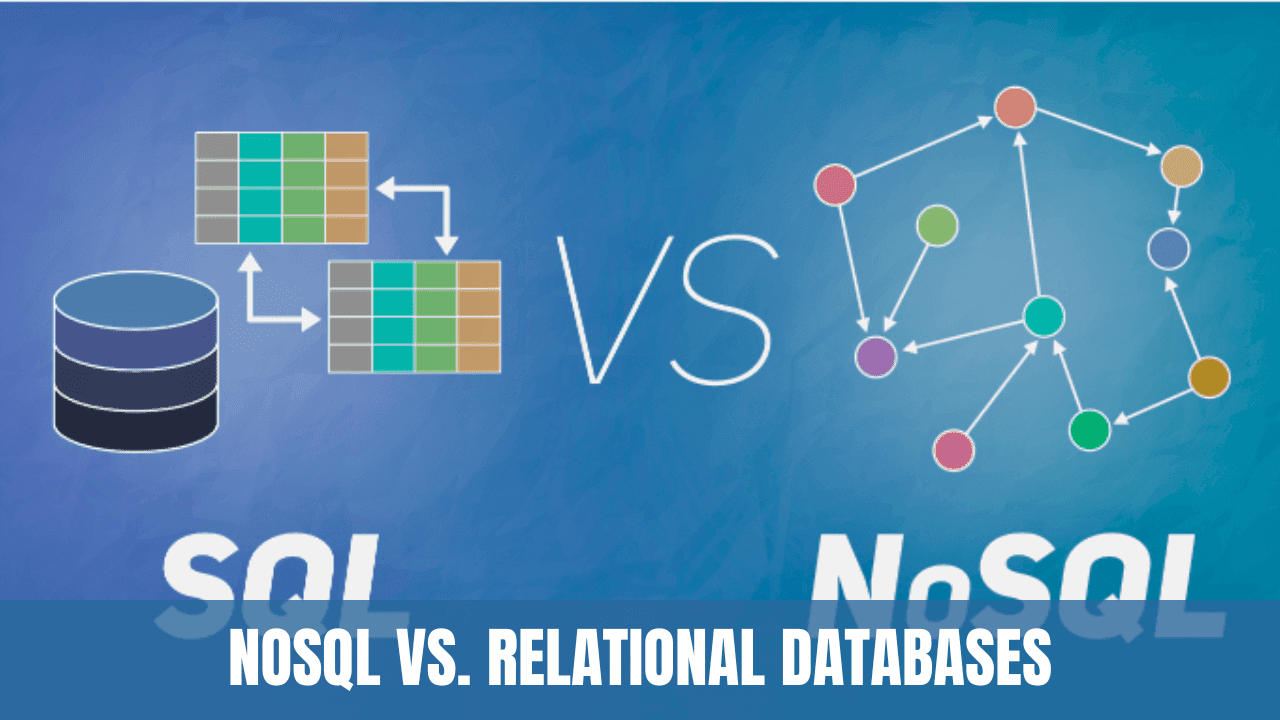
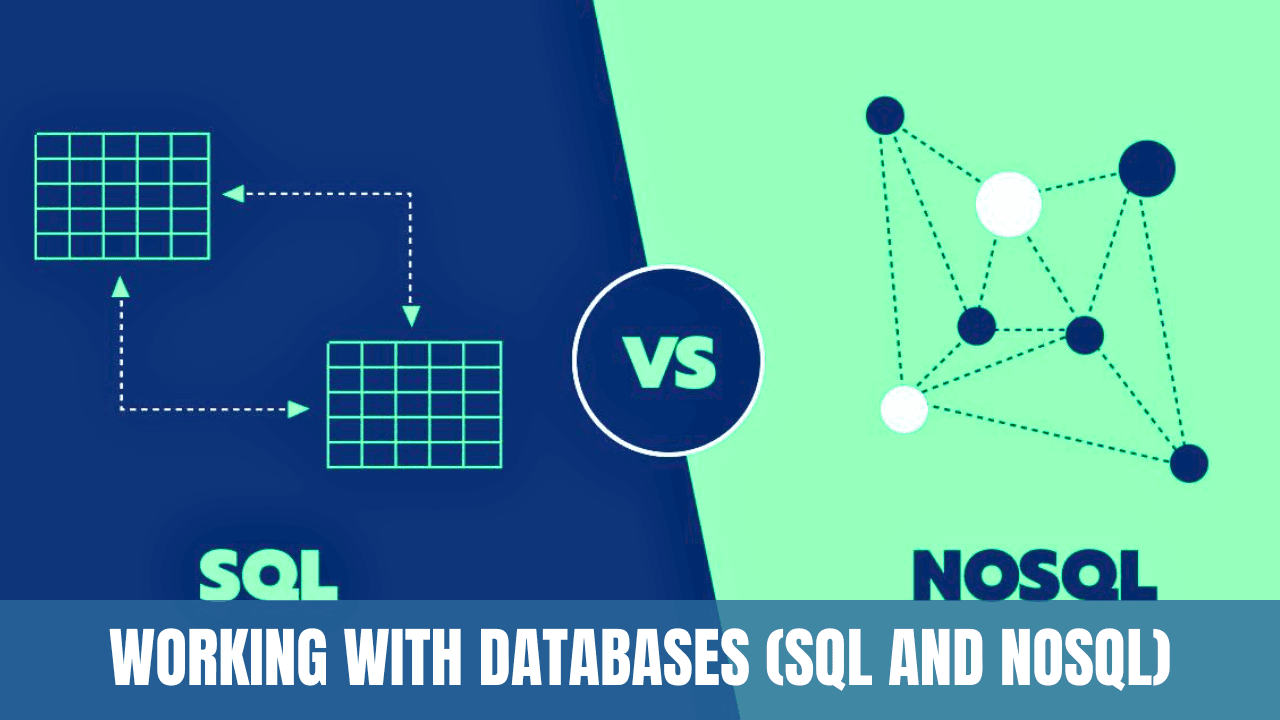
- Structure: SQL databases are table-based, while NoSQL can be document-oriented, wide-column, key-value, or graph databases.
- Scalability: SQL databases are typically scaled vertically, whereas NoSQL databases are scaled horizontally.
- ACID Properties: SQL databases follow all ACID (Atomicity, Consistency, Isolation, Durability) properties, while NoSQL may not.
- Complexity: SQL's structured nature may require more initial setup and understanding, whereas NoSQL offers more flexibility and ease of development.
Conclusion
Understanding database interactions is vital for any developer, regardless of the specific technology being used. Both SQL and NoSQL databases have distinct advantages and are suitable for different scenarios. By exploring SQLite as a representative of SQL and MongoDB for NoSQL, this article provides a practical insight into how to effectively work with databases in modern applications. Knowing when and how to use these different database systems is an essential skill in today's tech landscape.

About the author
Vishal · Software & security engineerVishal writes Trickyworld's tutorials and interview-preparation guides on programming, databases, cyber security and AI. Vishal has been shipping production software long enough to have firm opinions about Python, PHP, Node.js, and JavaScript, and to have been wrong about each of them at least once. The work has run the whole stack: Drupal and Laravel applications, React front ends, MySQL and MongoDB underneath, Redis and Memcached for the things that had to be fast, Apache Solr for the things that had to be findable. That last part turned out to matter more than anyone expected. Tune a Solr index for a season, then watch a language model confidently retrieve the wrong document, and you recognise an old problem wearing new clothes. Most of what is hard about AI systems is not the model. It is retrieval, caching, latency budgets, and deciding what the system does when the answer comes back wrong — which is work he has been doing since well before anyone called it AI engineering. He plays a lot of games, which is less a hobby disclosure than an admission of where a good share of his engineering instinct came from. Real-time systems with a frame budget. State that has to stay coherent while a player does something no designer anticipated. The permanent question of what happens when the frame cannot finish in time. Those habits carry over more directly than they have any right to. He has written several books on programming, all built on the same conviction: most technical writing is unclear because the author never decided what to leave out. More from Vishal → · Editorial policy