Web Scraping and Automation with Python: A Detailed Guide to BeautifulSoup and Selenium
Explore the techniques of web scraping and automation using Python's libraries like BeautifulSoup and Selenium. From parsing HTML and interacting with web elements to real-world applications, this guide covers everything you need to know to get started.

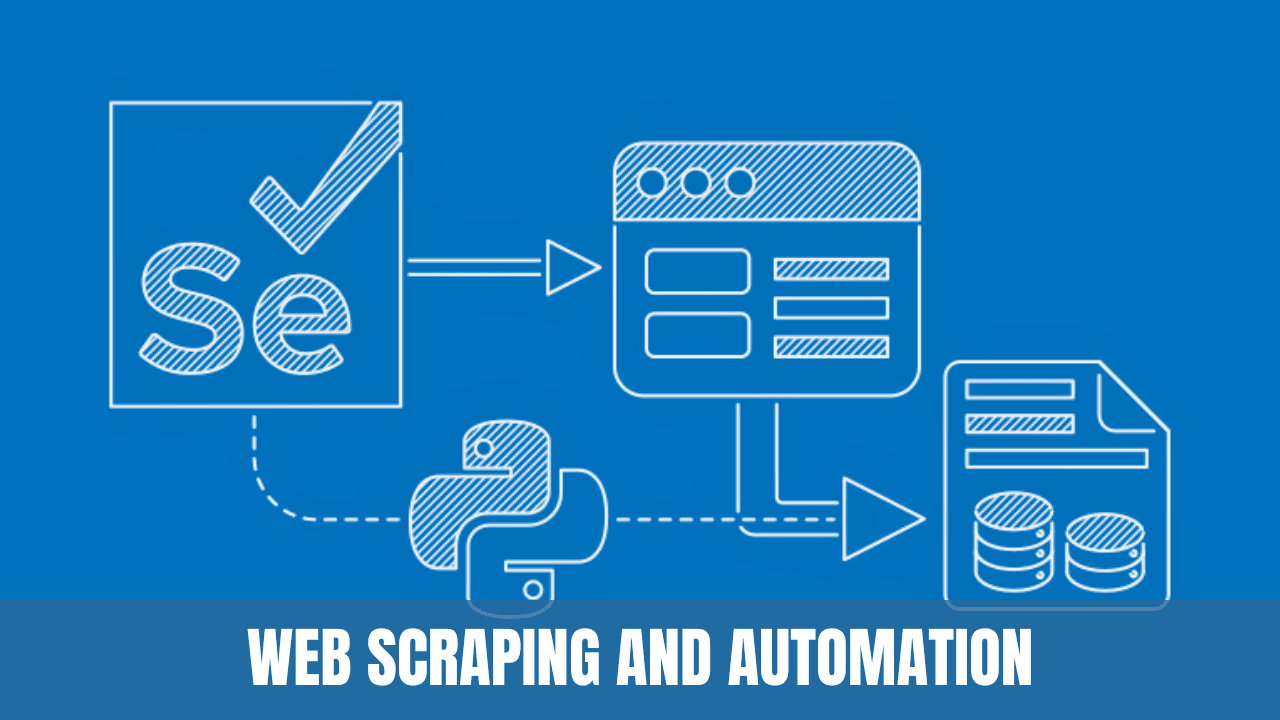
Web scraping and automation have become essential tools for data extraction, analysis, and simplifying repetitive tasks. Python, with its rich ecosystem, provides libraries such as BeautifulSoup and Selenium, which enable these functionalities. This article explores techniques for web scraping and automating tasks using these libraries.
Web Scraping with BeautifulSoup
Introduction
BeautifulSoup is a library used to scrape data from HTML and XML documents. It transforms a complex HTML document into a tree of Python objects, such as tags, navigable strings, or comments.
Key Features
- Parsing HTML: Extract data easily from HTML content.
- Searching Tags: Find tags using filters and methods like
find()andfind_all().
Example Usage
Consider scraping the title of a webpage:
from bs4 import BeautifulSoup
import requests

URL = 'https://www.example.com'
page = requests.get(URL)

soup = BeautifulSoup(page.content, 'html.parser')
title = soup.title.string

print(f"The title of the webpage is: {title}")
Automation with Selenium
Introduction
Selenium is a tool for automating web browsers. It's useful for tasks like automated testing, web scraping where JavaScript is involved, and automating repetitive web tasks.
Key Features
- Browser Automation: Control browsers like Chrome and Firefox programmatically.
- Interacting with Web Elements: Click buttons, fill forms, and more using WebDriver.
Example Usage
Here's an example of automating a login process:
from selenium import webdriver

driver = webdriver.Chrome()
driver.get('https://www.example.com/login')

username_field = driver.find_element_by_id('username')
password_field = driver.find_element_by_id('password')

username_field.send_keys('user')
password_field.send_keys('pass')

login_button = driver.find_element_by_id('login-button')
login_button.click()

driver.quit()
Real-World Applications
- Data Extraction: Gathering data from websites for analysis, research, and decision-making.
- Automated Testing: Ensuring website functionality through automated browser tests.
- Task Automation: Performing repetitive web tasks such as form submissions, file downloads, etc.
Conclusion
The techniques of web scraping and automation using Python's BeautifulSoup and Selenium libraries offer diverse applications across various domains. BeautifulSoup provides a straightforward way to scrape data from static web pages, while Selenium allows automation of dynamic web content and repetitive tasks.
Whether it's extracting valuable information from websites or automating mundane browser activities, these libraries empower developers, data analysts, and businesses to be more efficient and data-driven. Understanding these techniques opens new opportunities for growth and innovation in today's digital landscape.

Vishal writes Trickyworld's tutorials and interview-preparation guides on programming, databases, cyber security and AI. Vishal has been shipping production software long enough to have firm opinions about Python, PHP, Node.js, and JavaScript, and to have been wrong about each of them at least once. The work has run the whole stack: Drupal and Laravel applications, React front ends, MySQL and MongoDB underneath, Redis and Memcached for the things that had to be fast, Apache Solr for the things that had to be findable. That last part turned out to matter more than anyone expected. Tune a Solr index for a season, then watch a language model confidently retrieve the wrong document, and you recognise an old problem wearing new clothes. Most of what is hard about AI systems is not the model. It is retrieval, caching, latency budgets, and deciding what the system does when the answer comes back wrong — which is work he has been doing since well before anyone called it AI engineering. He plays a lot of games, which is less a hobby disclosure than an admission of where a good share of his engineering instinct came from. Real-time systems with a frame budget. State that has to stay coherent while a player does something no designer anticipated. The permanent question of what happens when the frame cannot finish in time. Those habits carry over more directly than they have any right to. He has written several books on programming, all built on the same conviction: most technical writing is unclear because the author never decided what to leave out. More from Vishal → · Editorial policy