Data Migration Tools and Techniques: A Guide to Migrating Data Between Database Systems
Data migration moves data between database systems using ETL, DBMS, cloud-based or open-source tools. Tool selection depends on data and system requirements, while testing checks data integrity and performance. Offline migration requires downtime; online migration maintains availability but can be more complex and time-consuming.
Summary written with AI from this article, and checked against it.

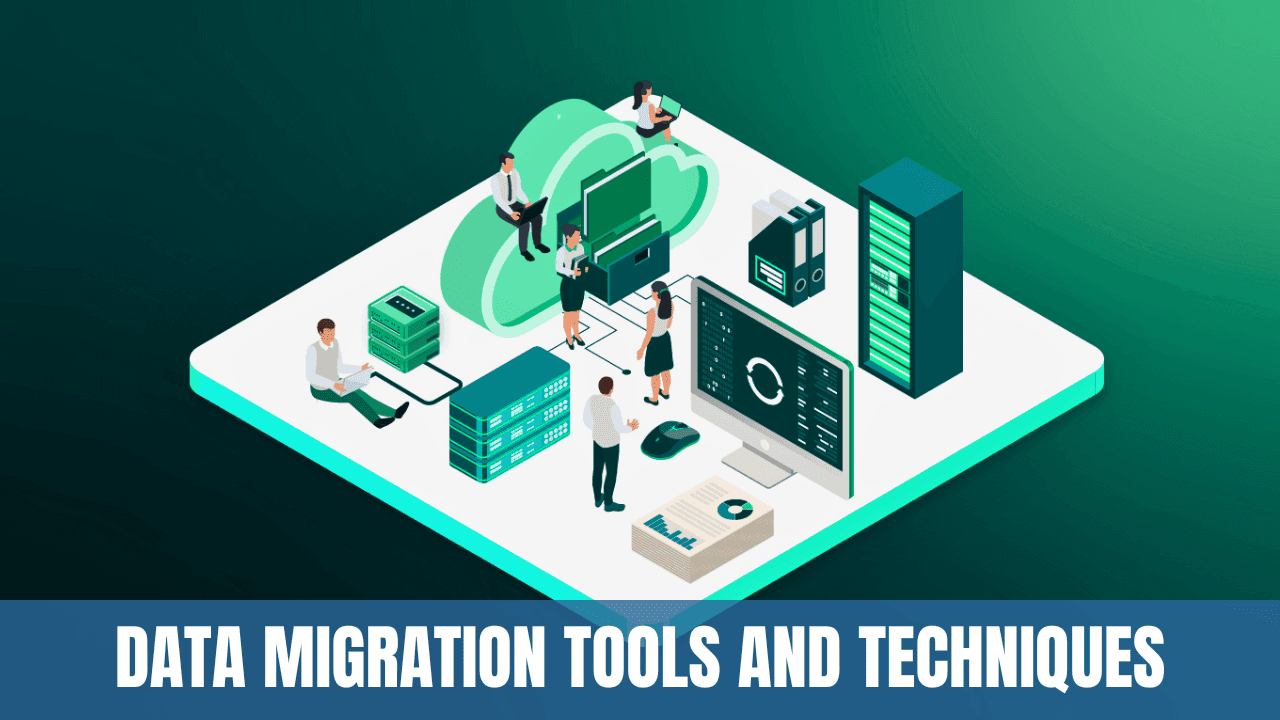
Data migration refers to the process of moving data from one database system to another. This task is often essential during system upgrades, consolidations, or when transitioning to a new platform. A successful data migration project requires a precise understanding of the available tools and techniques. This article provides a detailed exploration of data migration tools and methods.
Data Migration Tools
Various tools facilitate data migration, each offering unique features and catering to different needs. Here are some prominent tools:
- ETL Tools (Extract, Transform, Load):
- Example: Informatica, Talend
- Usage: ETL tools enable data extraction from the source system, transformation into the desired format, and loading into the target system.
- Database Management Systems (DBMS) Tools:
- Example: SQL Server Integration Services (SSIS), Oracle Data Integrator
- Usage: These tools provide specialized functionalities to move data between databases under the same DBMS.
- Cloud-Based Tools:
- Example: AWS Database Migration Service, Google Cloud Data Transfer
- Usage: These are ideal for migrating data between cloud platforms or from on-premises to the cloud.
- Open Source Tools:
- Example: Apache NiFi, Flyway
- Usage: Open-source tools offer flexibility and customization but may require more expertise.
Migration Techniques
Data migration techniques can be categorized as follows:
- Offline Migration:
- Process: Data is migrated during a downtime period.
- Pros and Cons: Faster and less complex but leads to system unavailability during migration.
- Online Migration:
- Process: Data is migrated while the system is online, allowing for continuous operation.
- Pros and Cons: Ensures availability but can be more complex and time-consuming.
- Hybrid Migration:
- Process: Combines offline and online migration techniques.
- Pros and Cons: Offers balance between availability and complexity.
Planning and Executing Data Migration
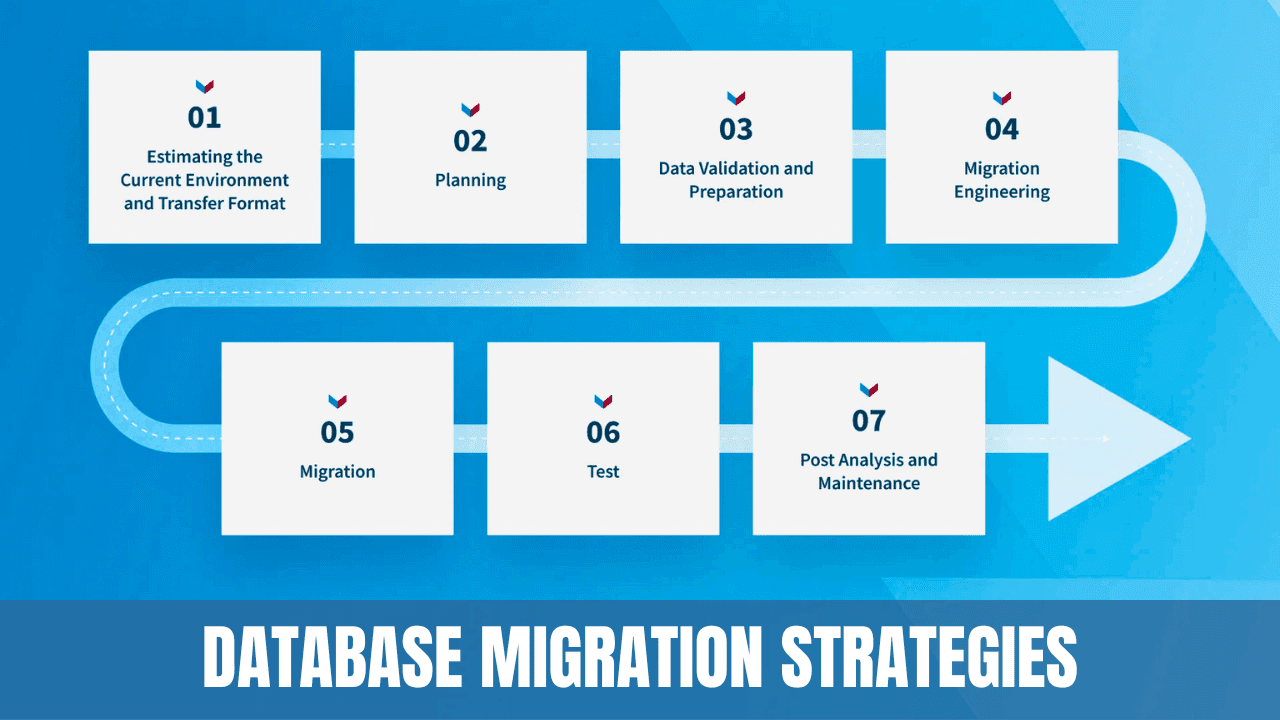
- Understanding Requirements: Define the scope, objectives, and constraints of the migration project.
- Selecting Tools and Techniques: Choose the most suitable tools and techniques based on the data and system requirements.
- Testing: Implement a rigorous testing phase to ensure data integrity and performance.
- Execution: Execute the migration plan, following the chosen techniques and utilizing the selected tools.
- Monitoring and Optimization: Continuous monitoring and optimization ensure a smooth migration and optimal system performance post-migration.
Conclusion
Data migration is a critical task that requires a comprehensive understanding of the available tools and techniques. By carefully assessing the specific needs of the project and choosing the right combination of tools and methods, organisations can achieve a smooth and successful data migration. The careful planning and execution outlined in this guide are vital to ensuring data integrity, system availability, and optimal performance in the new environment.

About the author
Vishal · Software & security engineerVishal writes Trickyworld's tutorials and interview-preparation guides on programming, databases, cyber security and AI. Vishal has been shipping production software long enough to have firm opinions about Python, PHP, Node.js, and JavaScript, and to have been wrong about each of them at least once. The work has run the whole stack: Drupal and Laravel applications, React front ends, MySQL and MongoDB underneath, Redis and Memcached for the things that had to be fast, Apache Solr for the things that had to be findable. That last part turned out to matter more than anyone expected. Tune a Solr index for a season, then watch a language model confidently retrieve the wrong document, and you recognise an old problem wearing new clothes. Most of what is hard about AI systems is not the model. It is retrieval, caching, latency budgets, and deciding what the system does when the answer comes back wrong — which is work he has been doing since well before anyone called it AI engineering. He plays a lot of games, which is less a hobby disclosure than an admission of where a good share of his engineering instinct came from. Real-time systems with a frame budget. State that has to stay coherent while a player does something no designer anticipated. The permanent question of what happens when the frame cannot finish in time. Those habits carry over more directly than they have any right to. He has written several books on programming, all built on the same conviction: most technical writing is unclear because the author never decided what to leave out. More from Vishal → · Editorial policy