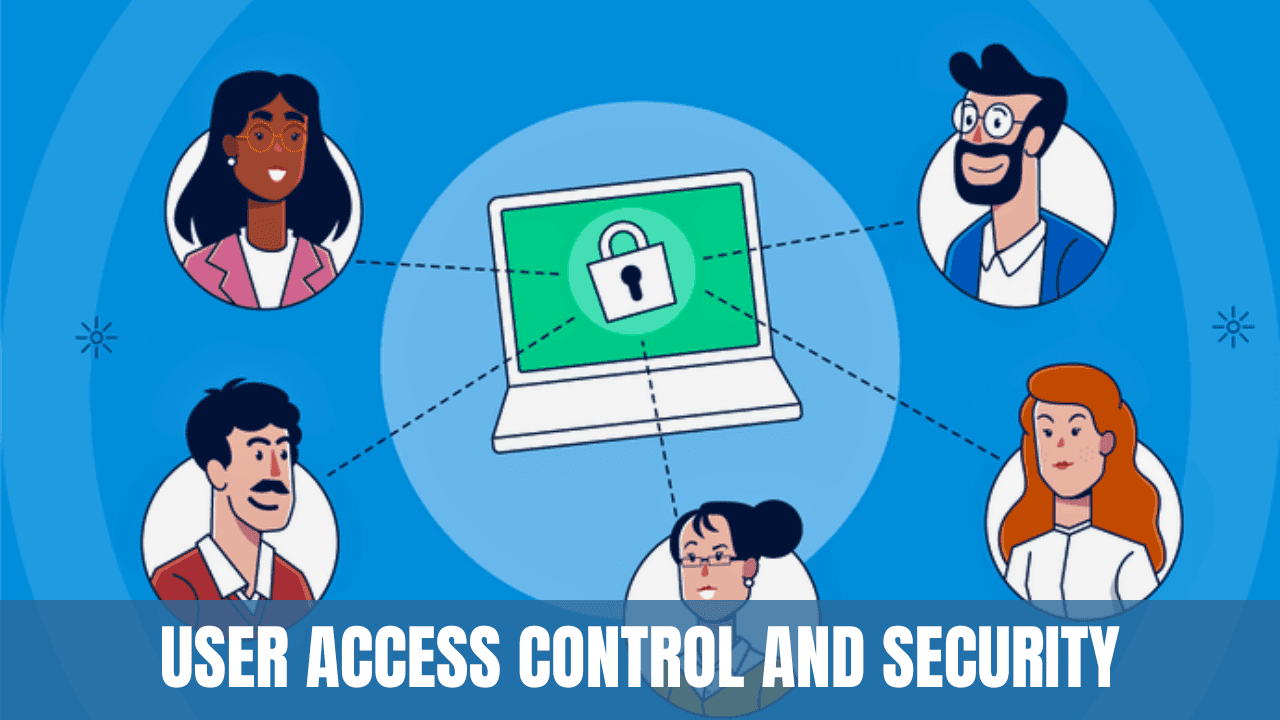
Software Security Practices: A Comprehensive Guide to Ensuring Digital Safety
Learn how to secure your software and protect your digital information with our comprehensive guide. Explore essential practices such as regular updates, strong authentication, firewalls, encryption, and more. Stay safe in the digital world with these proven strategies.
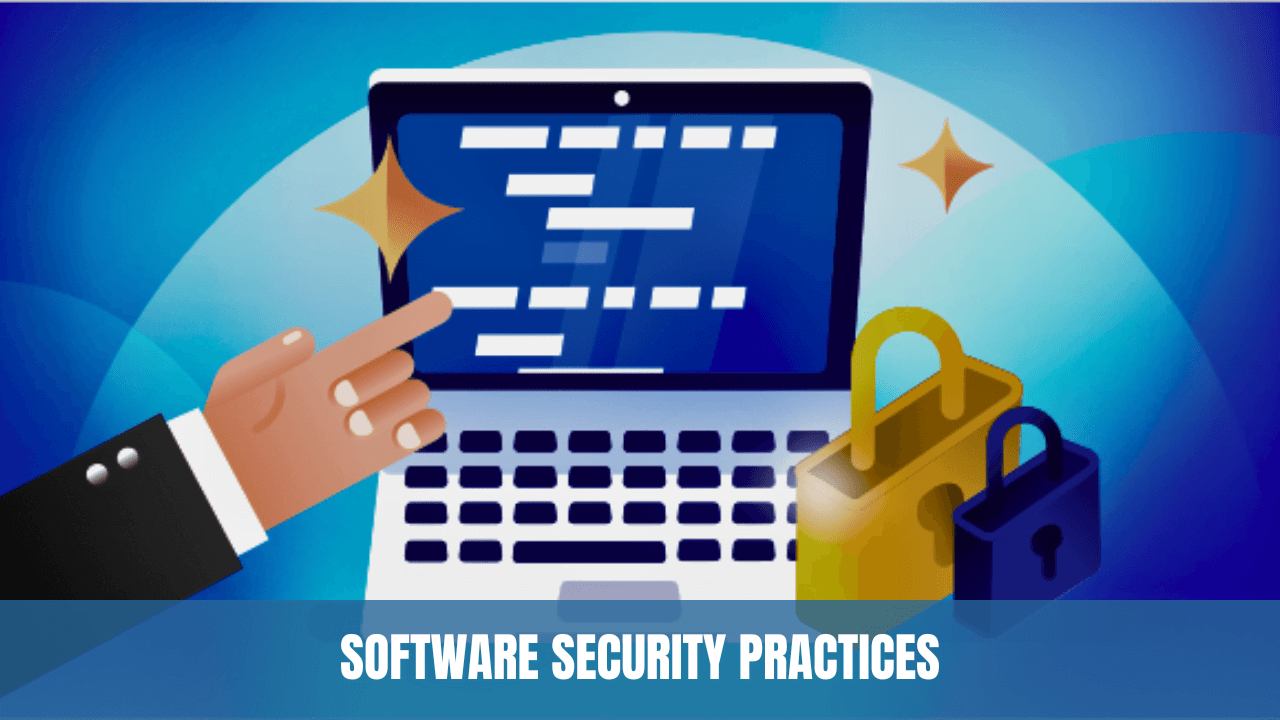
In an increasingly interconnected world, software security is paramount. Whether it's personal data or business information, securing software is essential to prevent unauthorized access and potential damage. This article outlines practical steps to secure software and ensure digital safety.
Section 1: Understanding Software Security
Software security involves protecting software against unauthorized access and potential malicious activities. Key aspects include:
- Authentication: Verifying the identity of users.
- Authorization: Controlling access to resources.
- Integrity: Ensuring data remains unaltered and reliable.
- Confidentiality: Keeping information private and accessible only to authorized parties.
Section 2: Essential Security Practices
2.1 Regular Updates
- Software Patching: Regularly update software with security patches.
- Operating System Updates: Keep the operating system up to date to fix known vulnerabilities.
2.2 Use Strong Authentication
- Complex Passwords: Utilize strong, unique passwords.
- Two-Factor Authentication (2FA): Implement additional authentication methods, such as tokens or biometrics.
2.3 Implement Firewalls and Antivirus Software
- Firewalls: Utilize firewalls to block unauthorized access.
- Antivirus Software: Regularly scan for and remove malware.
2.4 Secure Data Transmission
- Encryption: Use encryption for data transmission.
- Secure Sockets Layer (SSL): Utilize SSL for secure web browsing.
2.5 Regular Security Audits
- Internal Audits: Regularly review security measures and policies.
- External Audits: Consider third-party assessments to identify potential weaknesses.
Section 3: Special Considerations for Businesses
- Employee Training: Educate employees about security practices.
- Data Backup: Regularly backup critical data to recover in case of a breach.
- Compliance: Follow regulations and standards relevant to your industry.
Conclusion
Software security is not a one-time task but an ongoing commitment. It requires regular updates, strong authentication measures, the use of firewalls and antivirus software, secure data transmission practices, and regular security audits.
Individual users and businesses must be proactive in their approach to software security to protect sensitive information and maintain trust. By adhering to the practices outlined in this guide, software security can become an integral part of the digital landscape, ensuring safety and peace of mind.
Whether for personal use or within a business context, adopting these best practices can significantly reduce the risk of unauthorised access or malicious activities. Remember, in the world of digital safety, prevention is always better than cure.