REA and Pi Coding Agent Trace Chrome Dino’s Game Mechanics
REA (Reverse Engineer Anything) and Pi Coding Agent investigate Chrome Dino through Chrome’s local resources: the Windows setup, evidence checks and the path to a standalone game.

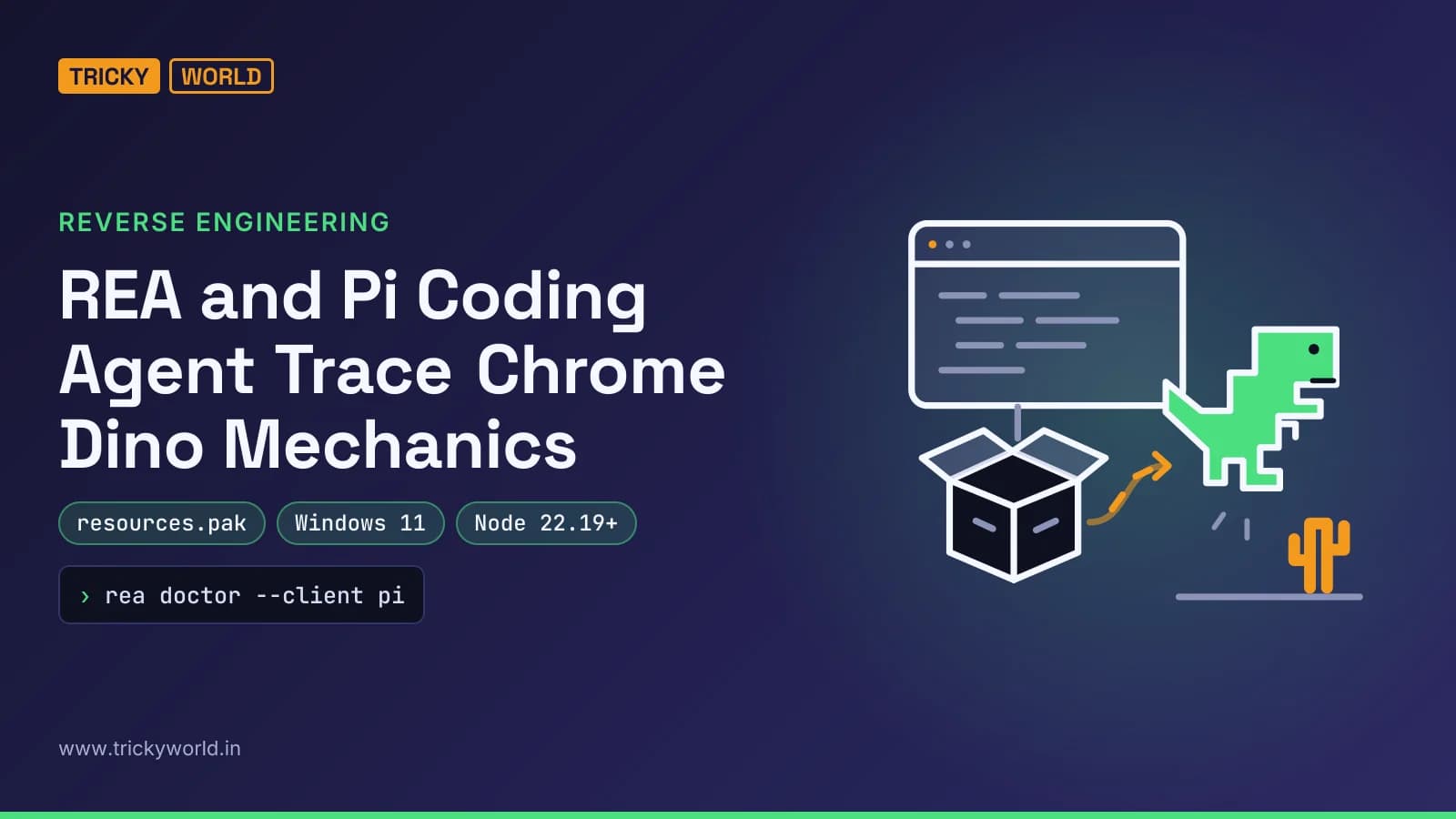
REA (Reverse Engineer Anything) couldn't inspect chrome://dino directly, so Pi Coding Agent extracted the game's JavaScript from Chrome's installed resources.pak. That changed the investigation route: REA analysed recovered code rather than the live page. This walkthrough follows that evidence into a recreated runner with different visuals, then shows how to test it and package it as a Windows executable.
DataCamp's walkthrough was published on 14 October 2026. It tackles software investigation without the original repo. If your team maintains an abandoned application, I'd prioritise a traceable explanation over a plausible replacement. My worry: accepting generated behaviour before establishing what evidence supports it.
What REA brings to the table
REA supplies software evidence the coding agent can inspect. The toolkit connects agents—Pi, Claude Code, Codex—to reverse-engineering tools like Ghidra and Hopper through the Model Context Protocol.
The workflow: inspection → understanding → recreation. REA examines supported binaries, JavaScript, other components. The agent uses collected evidence to investigate functions, dependencies, behaviour before writing and testing a replacement.
A prompt asking for an endless runner describes the desired result. An investigation should explain where its understanding of the original mechanics came from. I'd ask the agent to keep those explanations separate from its implementation choices.
Target here: Chrome's Dinosaur Game. Investigation sought the logic behind jumping, obstacles, scoring, collisions. The subsequent build reused those mechanics while changing characters and visuals.
Setting up on Windows
Environment: Windows 11, Node.js running both REA and Pi. Tutorial specifies Node 22.19+ or 24.11+. Check runtime and npm in PowerShell:
node --version
npm --version
Install Pi, create the project folder:
npm install -g --ignore-scripts @earendil-works/pi-coding-agent
mkdir dino-reverse-engineering
cd dino-reverse-engineering
pi
Inside Pi: /login to connect an AI provider, /model to select a coding-capable model. I'd keep the investigation in its own project directory—extracted material and generated game stay separate from any existing application.
These are global npm installs. If that's unfamiliar, our npm and package management guide covers the background. For this walkthrough, retain the installation command as shown. Don't substitute a different package name or drop the flag.
Open another PowerShell terminal. Install REA, connect it to Pi:
npm install -g rea-agents
rea setup --client pi
rea doctor --client pi
Review proposed setup changes before approving. Setup configures the MCP connection and investigation instructions—no manual MCP-file edits. Doctor checks installation, reports configuration issues. Restart Pi afterward so it loads the configured tools. I'd resolve reported issues before investigating Chrome.
Debugging Chrome: verify the target
Chrome's remote-debugging interface gives the investigation a connection. Close Chrome completely. Run the launch command in PowerShell:
& "C:\Program Files\Google\Chrome\Application\chrome.exe" --remote-debugging-port=9222 --remote-debugging-address=127.0.0.1 --user-data-dir="C:\rea-chrome-profile"Launches Chrome with remote debugging enabled, separate profile. Enter chrome://dino manually in the address bar. I'd preserve the separate profile and local address shown here—don't improvise changes during initial setup.
Another PowerShell terminal. Check whether Chrome exposes debugging targets:
(Invoke-RestMethod -Uri "http://127.0.0.1:9222/json/list") |
    Format-Table title, type, url -AutoSize
Returned list means the debugging connection works. It doesn't establish that REA can inspect every listed page. That distinction became decisive: browser connection worked, but investigation still needed another route to the game's implementation.
Checkpoint: verify endpoint access, then verify target inspection. Otherwise a successful connection gets mistaken for a completed investigation.
Pulling mechanics from local resources
Pi reached the browser, then changed route when direct page inspection failed. Launch Pi from the project folder, give it the evidence-focused prompt:
Use REA to investigate the original Chrome Dinosaur Game running at chrome://dino.
Identify the JavaScript functions responsible for jumping, obstacles, scoring, and collision detection.
Use evidence from REA to explain how these mechanics work.
Do not consult the Chromium source repository.
If direct browser inspection is unsupported, investigate the locally installed Chrome resources instead.
Reported run: REA detected Chrome through the local debugging endpoint. But its browser inspection supported HTTP and HTTPS pages only—excluded the internal chrome://dino page.
Pi located Chrome's installed resources.pak, examined its package structure, extracted the game's JavaScript. Recovered script included Runner, checkForCollision, DistanceMeter. Pi passed that JavaScript to REA for analysis.
Evidence came from locally installed browser resources. Not live inspection of the internal page. Not a download of the Chromium source repository. I'd require the agent's report to state that distinction plainly.
For a similar investigation, my acceptance check: an explanation linking each requested mechanic to recovered evidence. A list of familiar function names wouldn't be enough for me to approve recreation work.
Same mechanics, different look
Document the mechanics you intend to reproduce, then describe the presentation you want to change. Gives the agent a clearer target than "make something similar."
Recreation prompt preserved gameplay, asked for original presentation. Browser-based endless runner in HTML, CSS, JavaScript. Automatic running, Space-key jumping, moving obstacles, collisions, increasing difficulty, scoring, restarting.
Also explicitly asked for different character, landscape, original pixel-art-style graphics instead of Chrome's assets. Pi produced Neon Rooftops: orange pixel-art cat running across rooftops at night. Chimneys, satellite dishes, AC units, drones replaced desert obstacles.
First generated version needed corrections. Some obstacles hard to see. Cat's face had rendering problems. Early game lacked obstacle variety. Pi adjusted background contrast and character graphics, introduced more obstacles earlier.
Walkthrough reports automated checks for collision detection, jumping, speed, obstacle spawning, restarting. For teams already doing Node.js application testing, I'd treat those reported checks as a starting point for review—not the acceptance decision.
Pi started a local dev server at http://127.0.0.1:8123. My next step: play the browser build, compare visible behaviour with the investigation report. Particularly where the first version needed visual corrections.
Packaging for Windows
Desktop conversion changed how the game launched, not its intended gameplay. Author asked Pi for a standalone Windows executable: opens without external browser, retains graphics and mechanics, works offline, requires no additional software from players.
Pi used Electron 33 and electron-packager. Created an Electron wrapper and build script that packaged game files together. Output: Neon Rooftops.exe, opens the game in its own window.
Walkthrough says Pi launched the executable, confirmed the game loaded. Electron bundles its own Chromium runtime—package didn't require players to install Chrome, Node.js, Java, or a local web server.
I'd keep the browser build as the first acceptance checkpoint. Package only after mechanics and visuals are satisfactory. Then launch the packaged application and repeat gameplay checks—don't assume the earlier browser result settles the desktop result.
Browser version when that already meets the delivery need; desktop wrapper when double-click launching without a separate browser is an explicit requirement.
Source recovery isn't guaranteed
REA doesn't guarantee complete source-code recovery. Source notes limited support for some platforms and applications. This example demonstrates a successful investigation route through packaged JavaScript—it doesn't establish that the same route exists for an arbitrary application.
Result is also a new implementation with similar mechanics, not a claim of identical behaviour. Pi added variable jumping and diving. That makes the distinction concrete: recreation can include design choices beyond the investigated original.
I'd judge this workflow by the quality of its evidence and the checks applied to its output—not by how quickly it generates something playable. Before calling a replacement production-ready, I'd want explicit requirements and verification against them.
My verdict: try REA when understanding an existing implementation is part of the task. If you only need an original runner and don't need to explain Chrome's mechanics, skip the reverse-engineering stage. The strongest lesson here is the documented path from recovered resources to behaviour—not an assurance that an agent can reconstruct anything. Next time I'd want to see how this holds up against a native binary with stripped symbols.
Frequently asked questions
Which AI model did the REA tutorial use?
The tutorial used GLM-5.3. It says another compatible coding model can be selected through Z.AI, OpenRouter or another supported provider; GLM-5.3 is not presented as the only option.
Do I need Docker, Python or Ghidra for this Windows example?
No. The tutorial explicitly says its Windows 11 workflow does not require a Linux server, Docker, Python or Ghidra. That applies to this demonstrated investigation, not necessarily every REA task.
Could REA help investigate unsupported hardware?
The source presents that as a potential application. Its example is investigating how an old printer driver communicates with a device to help build a compatible replacement. It does not demonstrate a completed driver replacement.
Source: Reverse Engineer Anything Tutorial: Using REA and Pi Coding Agent
How this article was made: drafted with AI from the source above and fact-checked against it. How we write and check articles.

Vishal writes Trickyworld's tutorials and interview-preparation guides on programming, databases, cyber security and AI. Vishal has been shipping production software long enough to have firm opinions about Python, PHP, Node.js, and JavaScript, and to have been wrong about each of them at least once. The work has run the whole stack: Drupal and Laravel applications, React front ends, MySQL and MongoDB underneath, Redis and Memcached for the things that had to be fast, Apache Solr for the things that had to be findable. That last part turned out to matter more than anyone expected. Tune a Solr index for a season, then watch a language model confidently retrieve the wrong document, and you recognise an old problem wearing new clothes. Most of what is hard about AI systems is not the model. It is retrieval, caching, latency budgets, and deciding what the system does when the answer comes back wrong — which is work he has been doing since well before anyone called it AI engineering. He plays a lot of games, which is less a hobby disclosure than an admission of where a good share of his engineering instinct came from. Real-time systems with a frame budget. State that has to stay coherent while a player does something no designer anticipated. The permanent question of what happens when the frame cannot finish in time. Those habits carry over more directly than they have any right to. He has written several books on programming, all built on the same conviction: most technical writing is unclear because the author never decided what to leave out. More from Vishal → · Editorial policy