Outlook outage: no evidence of an AI attack so far
The Outlook outage has no confirmed link to an AI attack; Microsoft reported servers becoming unavailable without increased incoming traffic. Disruption lasted more than 20 hours across 74 countries and territories. Check status.cloud.microsoft and confirm urgent mail by another channel; the root cause and complete recovery remain unresolved.
Summary written with AI from this article, and checked against it.

The Outlook outage lasted more than 20 hours across 74 countries and territories, with Microsoft reporting servers becoming unavailable despite no increase in incoming traffic. Microsoft found no indication of malicious activity, and the root cause remained unresolved. Here’s what the reported evidence supports—and how to check service status, follow up on delayed mail and avoid fake recovery messages.
The account of the Outlook outage and AI-attack rumours describes disruption lasting more than 20 hours across 74 countries and territories, beginning on November 12. People could not access Outlook on the web, laptops or phones. The trouble also reached Teams calendars, SharePoint files, Copilot and Defender. For organisations using those services together, switching to another Microsoft collaboration tool was not the straightforward fallback it might have appeared to be.
Fewer available servers created more pressure
Microsoft described elevated load, but not a sudden rush of incoming requests. Servers were unexpectedly becoming unavailable. The machines left running then had to take on more work. I think that distinction is easy to lose in an outage discussion: an overloaded service does not, on its own, establish that someone flooded it with traffic.
The investigation first covered mailbox problems in the Americas. Just 13 minutes later, Microsoft broadened its warning to users in any region. Subsequent updates tied the loss of available servers to failed health checks, with a further complication: the component assessing server health might itself have been involved.
A failed health check does not prove that the machine being checked is where the problem began. An expert interpretation described in the account offered a possible cascade. Faulty checks could exclude healthy servers, leaving the remaining capacity to absorb their work until it struggled too. That explains how the failure could spread, but it is not Microsoft's final diagnosis.
Getting capacity back did not settle the problem either. Microsoft paused deployments and redirected traffic, then restarted servers. A different health-check approach brought some machines back, only for Microsoft to report later that restored servers could become unresponsive again once traffic reached them. Engineers spent the night trying traffic limits, patches and a network-change rollback. By Friday morning in Europe, Microsoft was still reporting only limited progress.
Does the Outlook outage evidence point to AI?
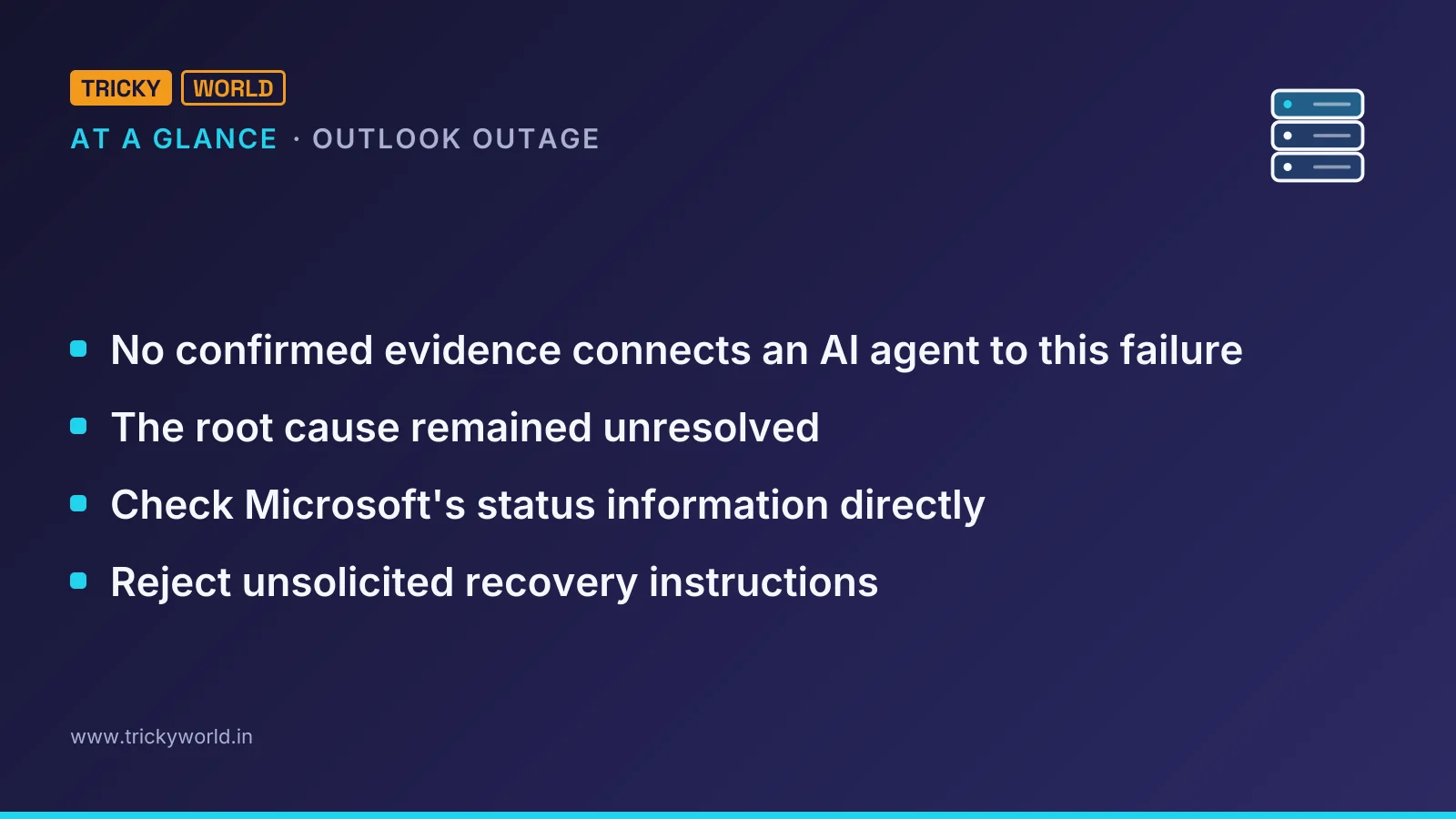
No confirmed evidence connects an AI agent to this failure. Charles Lamanna, the Microsoft executive responsible for Copilot and its platform, said the incident showed no indication of malicious activity. Microsoft's status updates gave the same assessment. That tells us what the investigation had found; it does not turn an unfinished root-cause analysis into a completed one.
| Proposed explanation | What the reported evidence supports |
|---|---|
| A cyberattack caused the interruption. | Microsoft reported no indication of malicious or cyber activity. |
| A traffic-flood attack overwhelmed the service. | Microsoft said incoming traffic had not increased; available server capacity had fallen. |
| An AI agent deleted Microsoft's code. | The viral claim supplied no evidence, and Microsoft's updates did not report lost code. |
| A bad update triggered the failure. | Microsoft paused deployments and rolled back a network change, but did not confirm that a change caused the incident. |
The account does discuss AI-assisted attacks as a genuine concern, but that is a separate story. Microsoft had reported that a China-linked group used an AI agent toolkit to attempt sign-ins to more than 2,000 organisations' Microsoft 365 accounts. The finding is Microsoft's. It still does not establish what caused this particular Outlook outage.
Check Outlook status and protect delayed mail
This Outlook outage calls for checking the service and arranging another way to communicate, not downloading a repair. The account describes a Microsoft-side incident and warns about fake password-reset emails and texts. Start by establishing the service state. Reject unsolicited recovery instructions, then follow up on the messages that matter rather than assuming they have arrived.
Check Microsoft's status information directly. Enter
status.cloud.microsoftmanually in your browser instead of following a link in a message. The account also identifies Microsoft 365 Status on X as a route for updates. If this is a work account, ask your IT team to check the incident details in the Microsoft 365 admin centre.Use those incident details to separate the shared service problem from a request directed specifically at you. A message can arrive during a real outage without its sender having any ability to restore your access. Its timing is not evidence that the offer is genuine.
Reject unsolicited messages offering to restore your mailbox through a password reset, software installation or sign-in link. During this disruption, security firms warned about fake Outlook password-reset emails and texts. Common scam formats include notices impersonating Microsoft and copycat sign-in pages. None of those actions is needed to repair the Microsoft-side failure described in the account.
A message promising restoration can sound plausible when you are already waiting for service to return. That does not make it a recovery step. Treat a request for credentials to get your email working again as a scam, even if the message fits the problem you are experiencing.
Check important messages individually. Microsoft extended its email delivery retry period to 48 hours, so most delayed messages should arrive later rather than disappear. That is an expectation about delayed mail, not confirmation that any particular message reached its recipient.
For a time-sensitive message sent during the interruption, contact the other party through another channel and confirm receipt. Outlook opening again is not the check that matters here. The question is whether the recipient actually received the message you needed them to have.
Keep essential contacts available offline and agree on another way to reach them. For a critical conversation, I'd use a phone-based fallback rather than move straight into another service already reported as disrupted. The account describes some British doctors' surgeries asking patients to phone instead of email.
Choose that alternative before the next interruption, while the usual inbox is still available. An agreed contact route is useful only if the people who need it know where to find it when they can no longer rely on their normal email access.
The root cause and complete recovery remain unresolved
A rollback is not proof that a bad update caused the Outlook outage. Microsoft's early updates said no recent change had been linked to the start of the disruption. Later, engineers rolled back a recent network change, but did not identify it as the cause.
The latest recovery position described in the account stopped short of an all-clear, too. By Friday afternoon in Europe, Microsoft said email queues were approaching normal levels. Some users could still encounter problems. Queues improving and every user regaining access are different claims, and Microsoft's update did not make the second one.
Microsoft said a full review would follow. Until that explanation is available, the health-check theory is a possible account of the cascade, not a settled diagnosis. The network change is still unconfirmed as a trigger, and the AI allegation remains unsupported. A promise to publish a review cannot stand in for findings that have not yet been published.
Keep the backup route outside the disrupted services
The dependency matters more here than which application someone opens. The account links the affected Microsoft services to the same mail system. Moving to a second application does not necessarily provide an independent communication route if that application depends on the same component that is having trouble.
Consider a team coordinating work through Outlook messages and Teams calendars. In the disruption described here, moving between those tools would not necessarily have restored coordination. An offline contact list and an agreed phone route serve a different purpose. They let people reach one another without first waiting for those services to recover.
Put the contacts somewhere available offline, agree on the phone route, and confirm receipt of the time-sensitive messages sent during the interruption.
Frequently asked questions
Were OpenAI and Anthropic connections to Microsoft 365 also disrupted?
Yes. OpenAI and Anthropic reported problems with tools connecting their assistants to Microsoft 365. Those connection failures show that the assistants were also affected; they do not establish that either company caused the outage.
Did a hacking group claim responsibility for the Outlook disruption?
As of Friday in the account, no hacking group had claimed responsibility. The absence of a claim does not establish the root cause, but there was no reported claim supporting that rumour.
Does Microsoft make unsolicited technical-support calls?
Microsoft says it does not make unsolicited calls offering technical support. If someone unexpectedly calls claiming to be Microsoft support, the advice in the account is to hang up.
Source
- VideoOutlook Down 20+ Hours: Was It Really an AI Attack? · youtube.com

About the author
Vishal · Software & security engineerVishal writes Trickyworld's tutorials and interview-preparation guides on programming, databases, cyber security and AI. Vishal has been shipping production software long enough to have firm opinions about Python, PHP, Node.js, and JavaScript, and to have been wrong about each of them at least once. The work has run the whole stack: Drupal and Laravel applications, React front ends, MySQL and MongoDB underneath, Redis and Memcached for the things that had to be fast, Apache Solr for the things that had to be findable. That last part turned out to matter more than anyone expected. Tune a Solr index for a season, then watch a language model confidently retrieve the wrong document, and you recognise an old problem wearing new clothes. Most of what is hard about AI systems is not the model. It is retrieval, caching, latency budgets, and deciding what the system does when the answer comes back wrong — which is work he has been doing since well before anyone called it AI engineering. He plays a lot of games, which is less a hobby disclosure than an admission of where a good share of his engineering instinct came from. Real-time systems with a frame budget. State that has to stay coherent while a player does something no designer anticipated. The permanent question of what happens when the frame cannot finish in time. Those habits carry over more directly than they have any right to. He has written several books on programming, all built on the same conviction: most technical writing is unclear because the author never decided what to leave out. More from Vishal → · Editorial policy